Item No. 8105084 12/2013 Page 3 of 14
Designing a New Customised Print Template
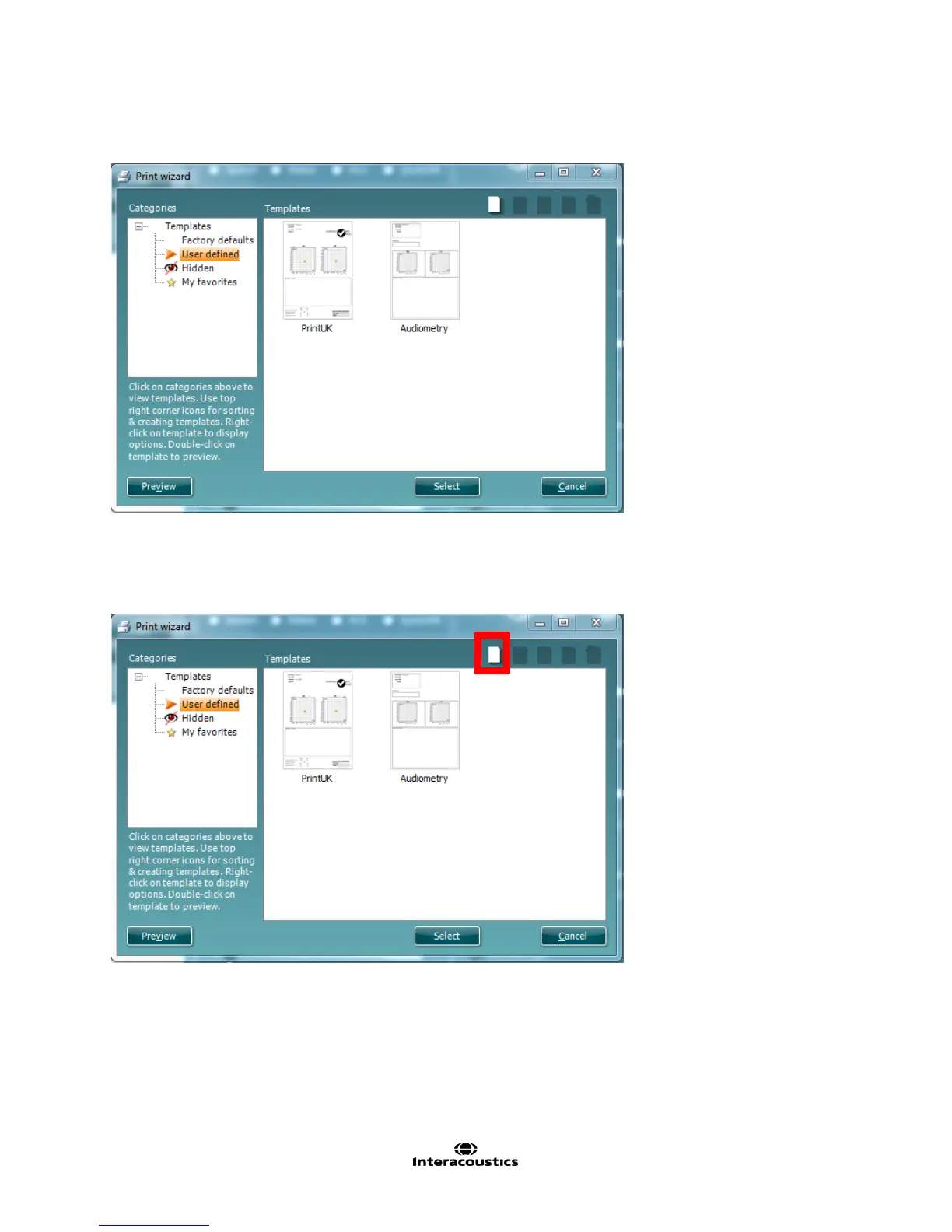
1. Now that you are in the Print Wizard you will see the below screen:
This screen is further clarified by the quick guide titled; ‘Quick Guide – Print Report’.
2. Click on the blank page in the top right of the screen to create a new print layout. This action will open a
new screen. You can alternatively right click on an existing print layout and select Edit to continue building
it.



 To Next Page