Item No. 8105084 12/2013 Page 4 of 14
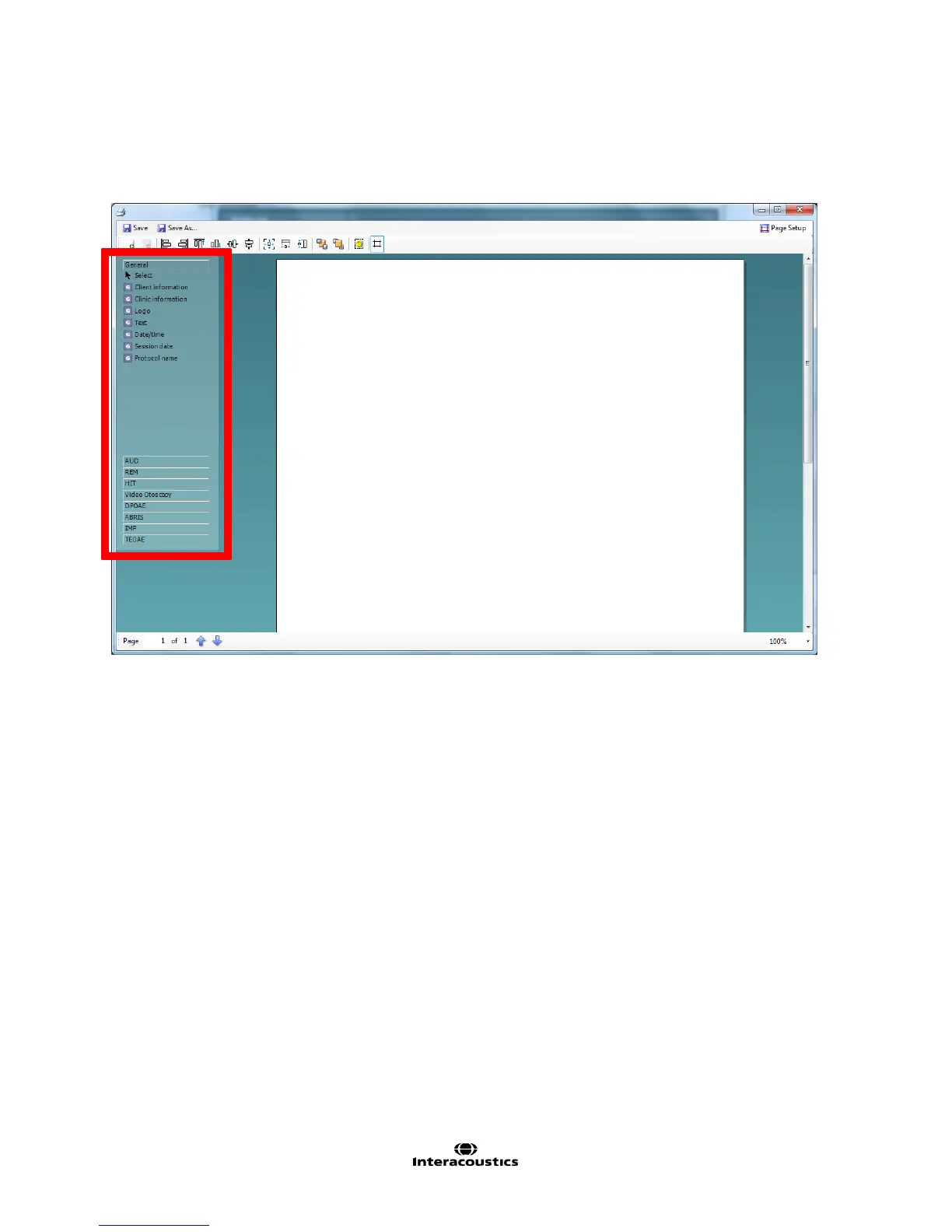
3. Once in this new screen you will see the elements which you can add to the layout on the left of the screen.
These are ordered by their corresponding test module, for example everything to input into the print
template to do with the AUD module can be found under AUD.
All of these elements are able to populate on printing should the patient have these test types assigned to
their profile in your patient management system, Noah or OtoAccess™.



 To Next Page