Item No. 8105084 12/2013 Page 6 of 14
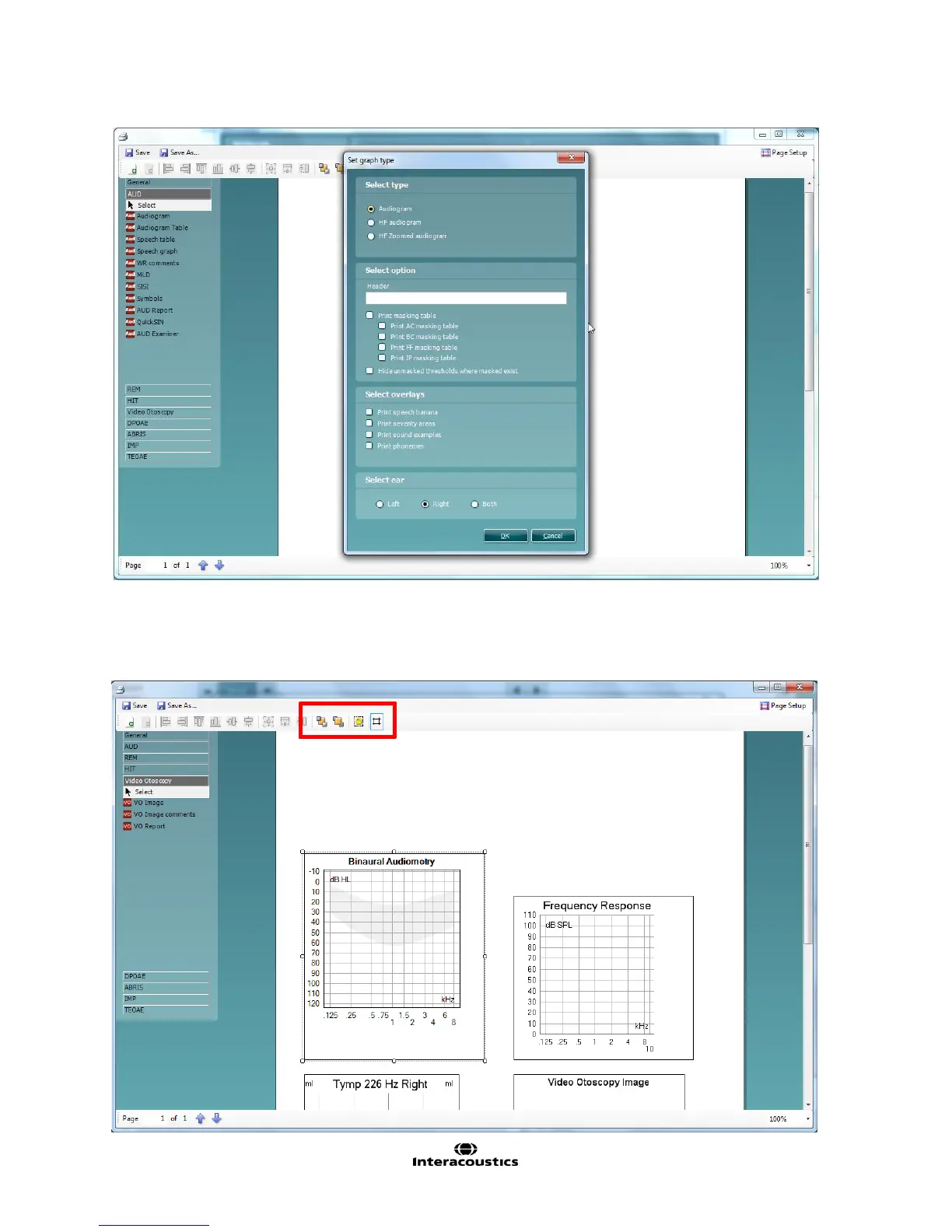
Also, when right clicking on an element you have the options to rotate that element and also toggle the
surrounding border.
6. Once you have clicked in all of your elements and have configured them to your preference you will need to
organise them. This can be done by moving them to their desired position and sizing them similarly also.
There are a few tools to assist you with this. If you left click on an element you will notice the highlighted tool
bar below become active. The options available to you’re here are purely for ordering (ex: to send items
backward/forward).



 To Next Page