Item No. 8105084 12/2013 Page 7 of 14
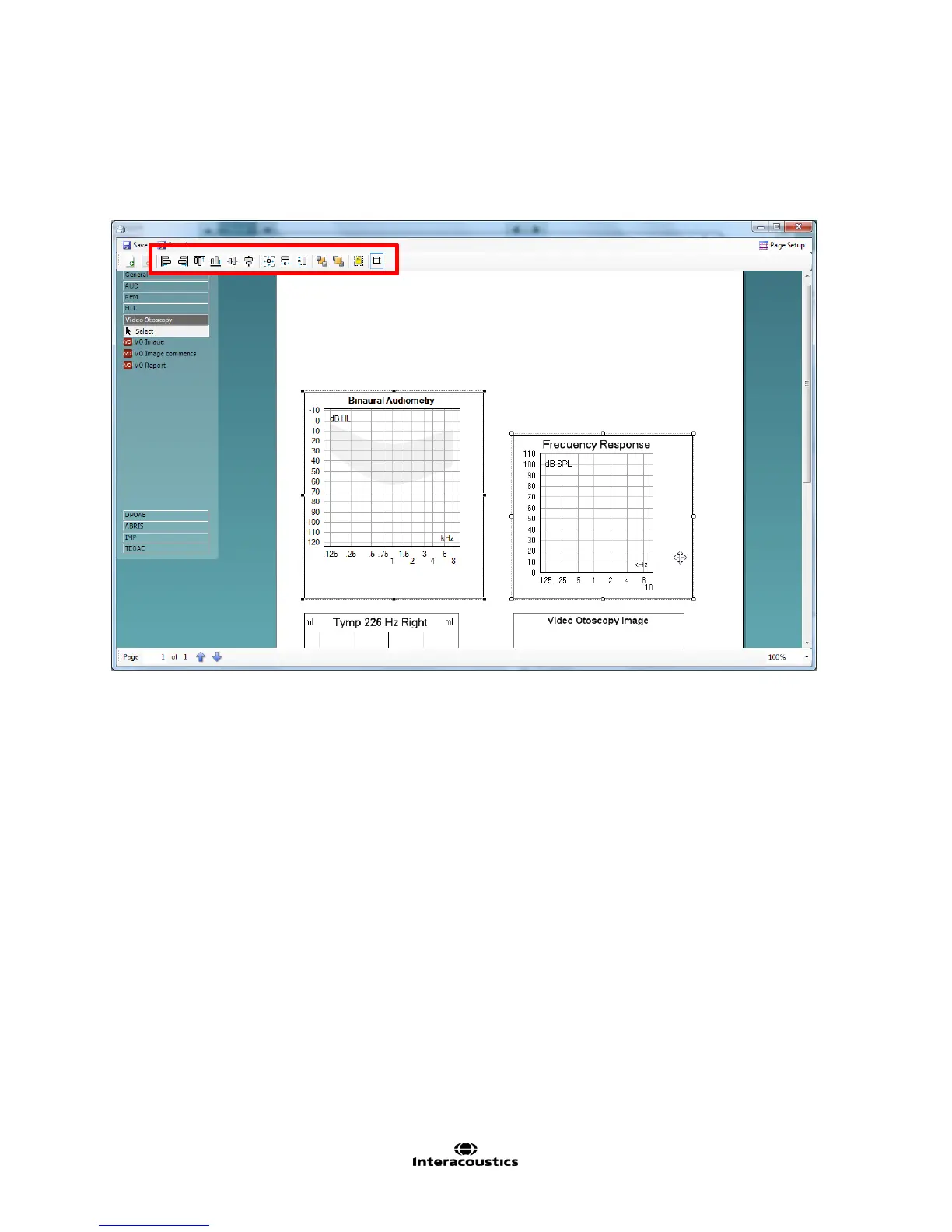
7. However, if you left-click on one element and then hold Control on your keyboard and left clik on another
you will then be able to activate the rest of this tool bar. This opens up the sizing and alignment options to
you. Hovering your cursor over each icon in this toolbar will explain its function.
These settings make it easier to match the sizes of the elements you have added to your print template.
I have performed the ‘make equal size’ option below as an example.



 To Next Page