Item No. 8105090 – 12/2013 Page 1 of 3
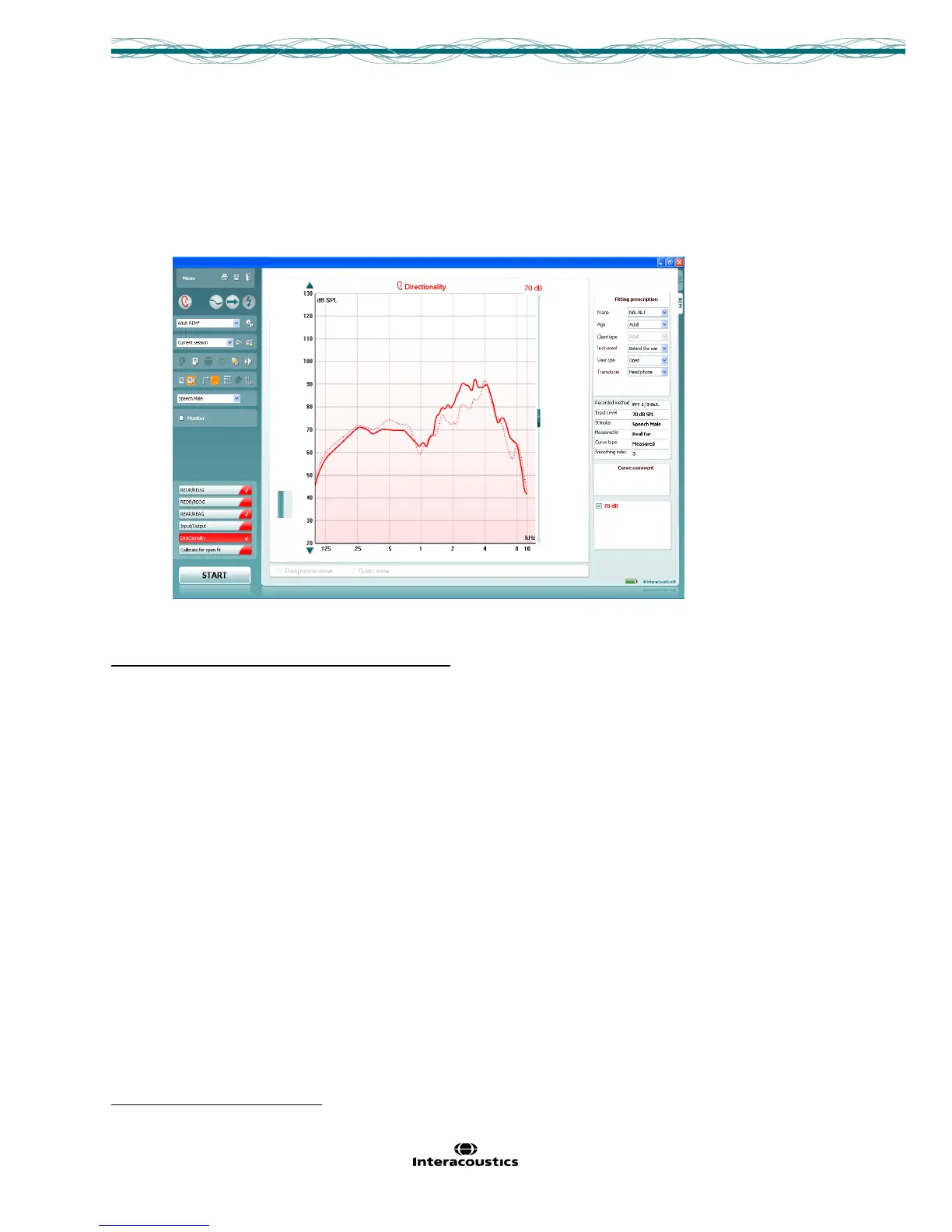
Quick Guide - REM Directionality Test
This Quick Guide is indented to provide information on how to conduct directional testing of hearing aids, using
the REM440 module of the Affinity
2
and Callisto™ Software Suites.
Directionality Test using REM440
Directionality Test using Real Ear Measurements
1. From your patient management system, Noah or OtoAccess™, launch the Affinity
2
or Callisto™ suites.
2. Launch the REM440 module by clicking on the REM tab.
3. Prepare the patient for Real Ear Measures.
4. Calibrate the probe tube.
5. If fitting an open hearing instrument, perform Calibrate for open fit.
6. Ensure that the correct Ear is selected.
7. To activate the Directional Test, go to: Menu│Setup│Show/hide protocols│US│Standard
Directionality. Insert the checkmark inside the box in front of Standard Directionality. This will ensure
that the Directionality test is available from the list of protocols drop down menu.
8. Choose the preferred Stimulus in the corresponding dropdown list.
9. Change the input level using the slider if desired.
10. Click START and follow the instructions on screen.



 To Next Page