Item No. 8105090 – 12/2013 Page 2 of 3
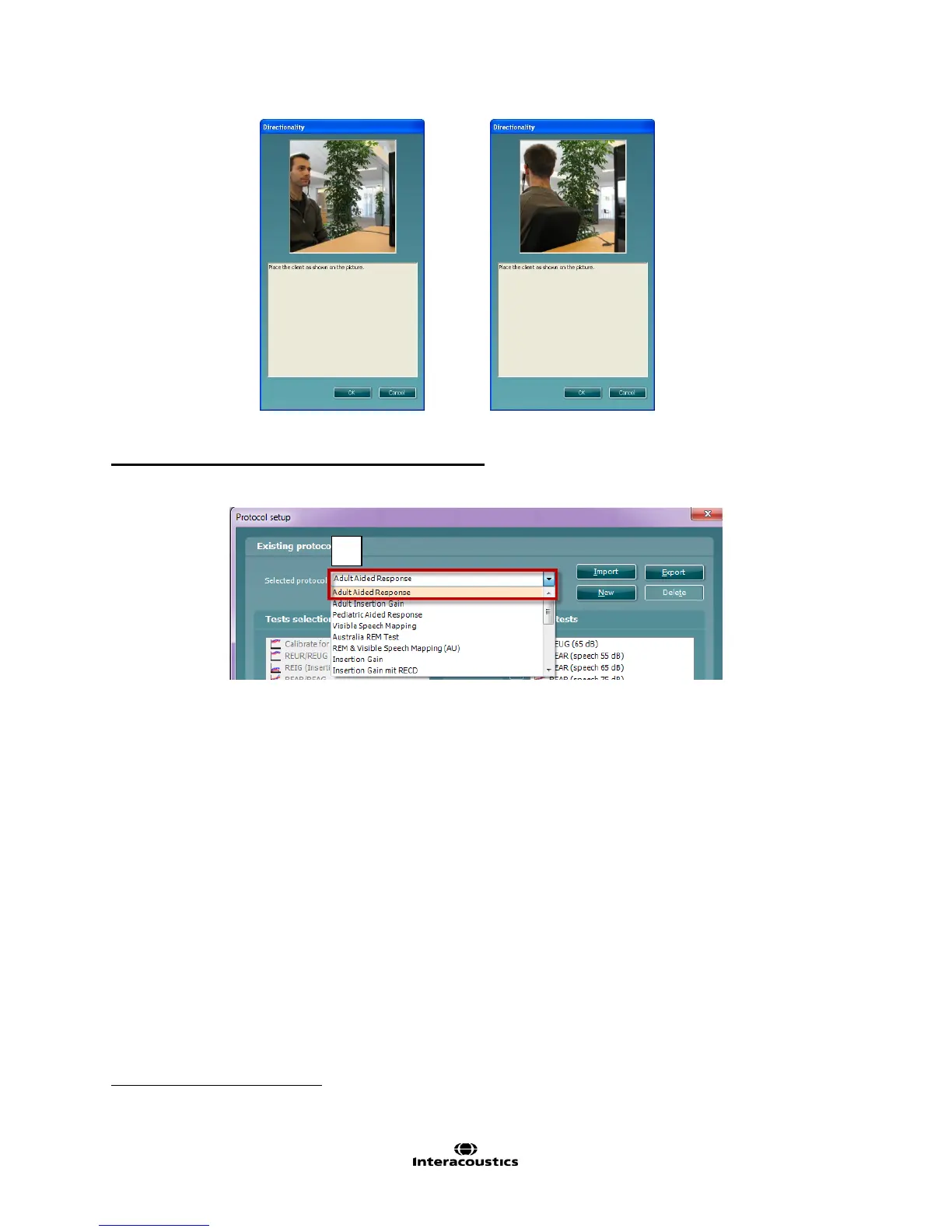
11. Place the client in front of the loudspeaker as shown on the picture. Click OK and front microphone
curve will be recorded. New instructions will immediately appear. Turn the client around and click OK.
To add the directionality test to an existing protocol:
1. Go to Menu │Setup │REM440 Setup.
2. Choose a protocol to copy (ex: Adult Aided Response) from the drop down list.
3. Click New to create a new protocol.
4. Click Yes when the software asks if you want to copy the currently selected protocol
.
5. Rename the Protocol.
6. Add the Directionality test to the existing protocol.
7. Edit the settings if desired by clicking on the Settings button.
If selecting NO, you will have to create the protocol from scratch, which is beyond the scope of this document. For more info, please refer
to the Instructions for Use document, Additional Info document or Quick Guide on Protocol Setup



 To Next Page