Item No. 8105092 – 12/2013 Page 1 of 5
Quick Guide – Visible Speech Mapping
The purpose of this Quick Guide is to give clinicians a short introduction to Visible Speech Mapping during the
hearing aid fitting process and patient counseling.
Introduction
Verification of the hearing aid fitting is a very important part of the fitting process. To try to make this process a
bit easier, rather than using traditional real-ear measurements, hearing care professionals can use the Visible
Speech Mapping modules in the Affinity
2
and Callisto™ suites. Visible Speech Mapping is an intuitive tool which
helps hearing care professionals better explain the benefits of amplification.
Getting Started
Speech Mapping is a Real Ear Aided Response (REAR) measurement; therefore the same equipment that is
needed for a REAR is also needed. To start, follow the steps below.
1. Launch the Affinity
2
or Callisto™ Suite through your patient management system, NOAH, OtoAccess™ or
Standalone.
2. Enter/Select an audiogram from NOAH or from the AUD module (if using Standalone). If no audiogram is
entered or selected, no targets will be displayed.
3. Launch the REM module by clicking on the REM tab.
Prepare the patient for REM
4. Connect the REM headset to the Affinity
2
or Callisto™ hardware.
5. Connect a probe tubes to the REM reference microphones.
6. Click on the Tube Calibration button and follow the instructions on the screen.
7. Position the patient approximately 0.5 meters from the REM loudspeaker.
8. Perform otoscopy to ensure the ear canal is clear.
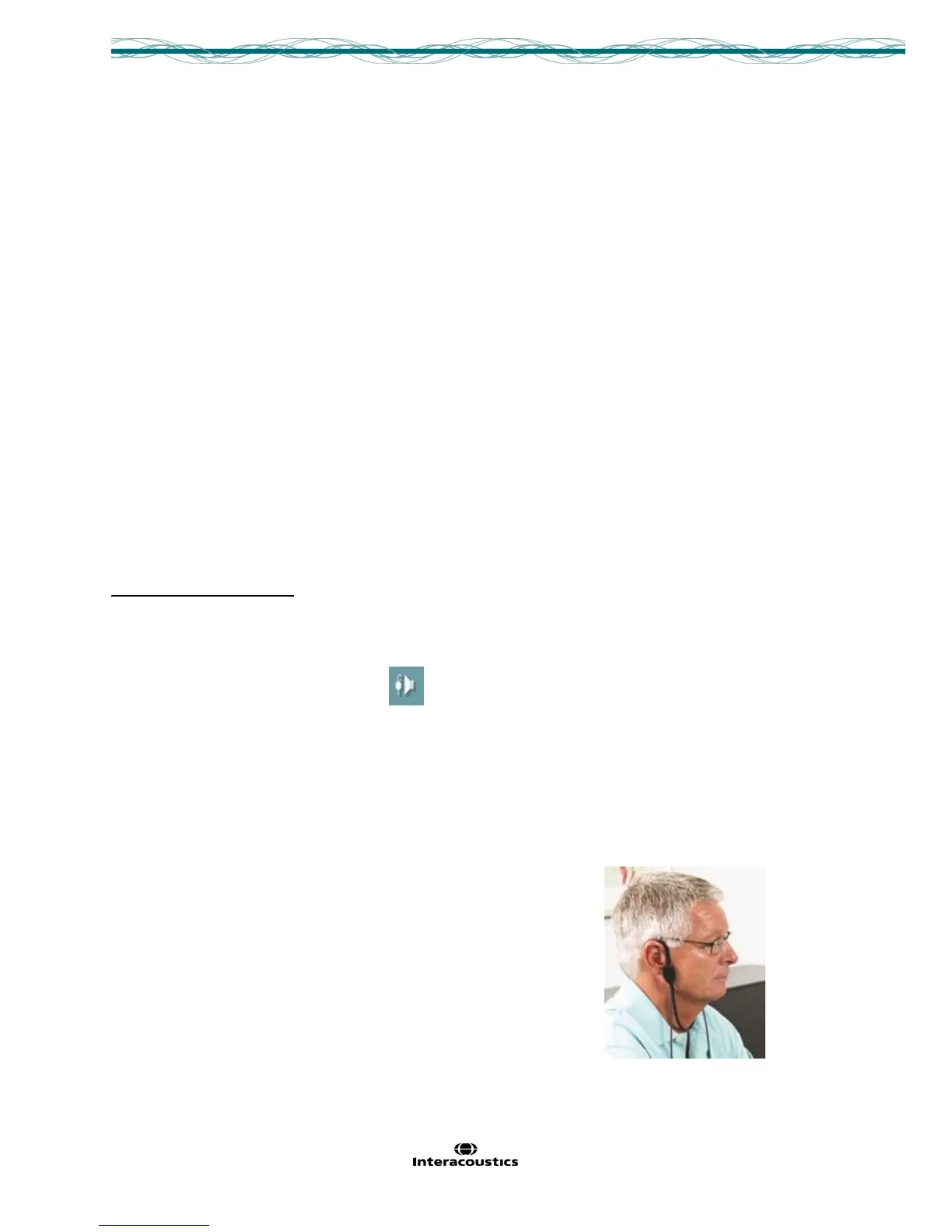
9. Snap the REM headsets on the REM headband and place on patient’s ear.



 To Next Page