Item No. 8105092 – 12/2013 Page 2 of 5
Measurement Steps
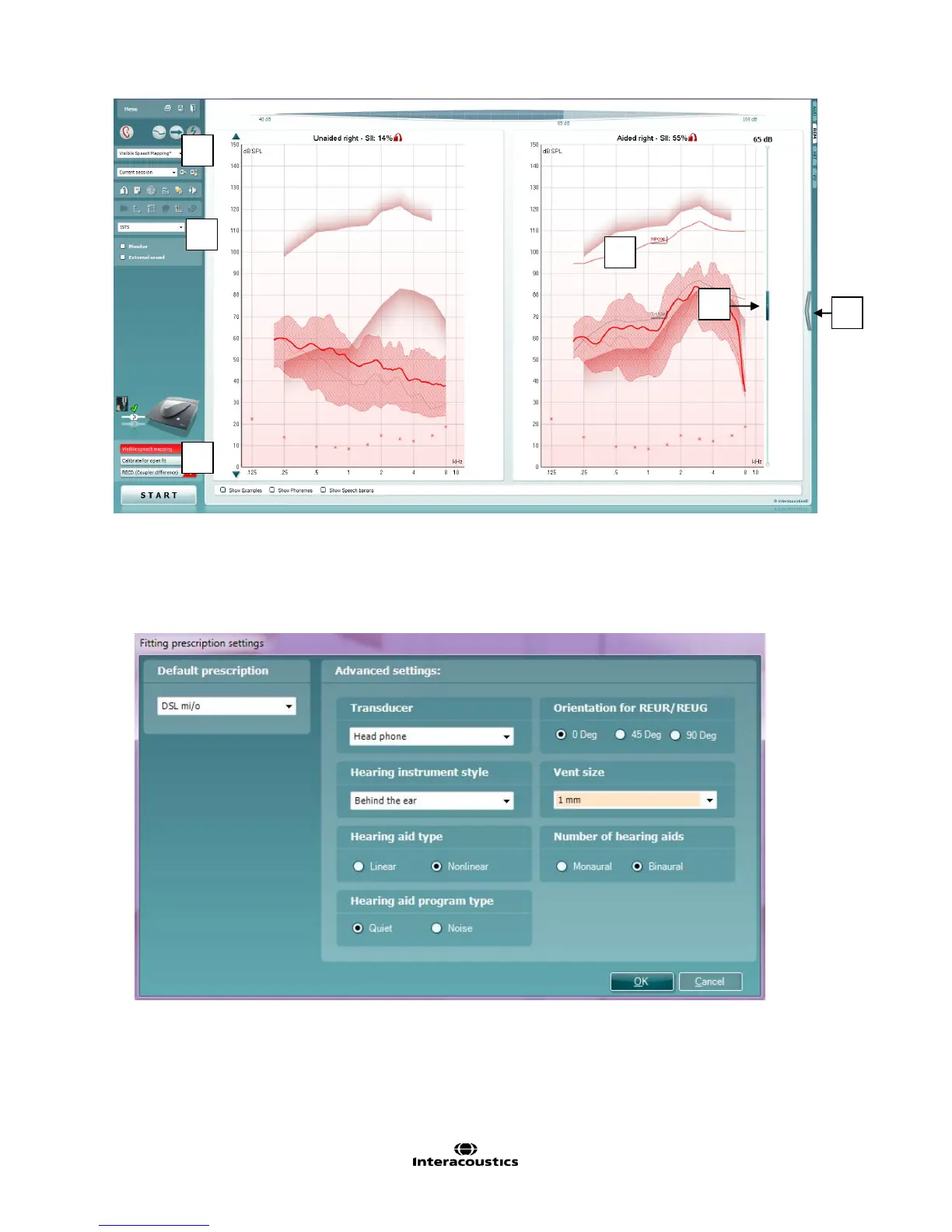
Figure 1: the Visible Speech Mapping screen
1. Choose the Visible Speech Mapping protocol from the drop down menu.
2. Choose the appropriate options with in the Fitting Prescription Settings window, which will appear
automatically when the Speech Mapping protocol is chosen:
The fitting formula can also be changed by expanding the “advanced view” option (#2 above).



 To Next Page