Item No. 8105096 – 12/2013 Page 1 of 4
Quick Guide - FM Transparency Verification
Introduction
The purpose of this Quick Guide is to describe how to verify FM transparency of FM system using the
Interacoustics Affinity
The verification
method is according to the AAA Clinical Practice Guidelines for Remote Microphone Hearing Assistance
Technologies for Children and Youth Birth to 21 Years. For more information, please refer to the AAA
Guidelines.
The FM Transparency consists of 3 easy coupler measurements:
1. Hearing Aid alone.
2. Hearing Aid + FM receiver attached, FM transmitter on and muted .
3. Hearing Aid + FM receiver attached. Transmitter microphone unmuted and positioned inside the test
chamber, facing the reference mic. Hearing instrument still attached to the coupler/coupler mic,
positioned outside the test chamber.
Verification Steps
1. Launch the Affinity
2
Suite and choose a patient, through Noah or OtoAccess™.
2. Launch the REM module.
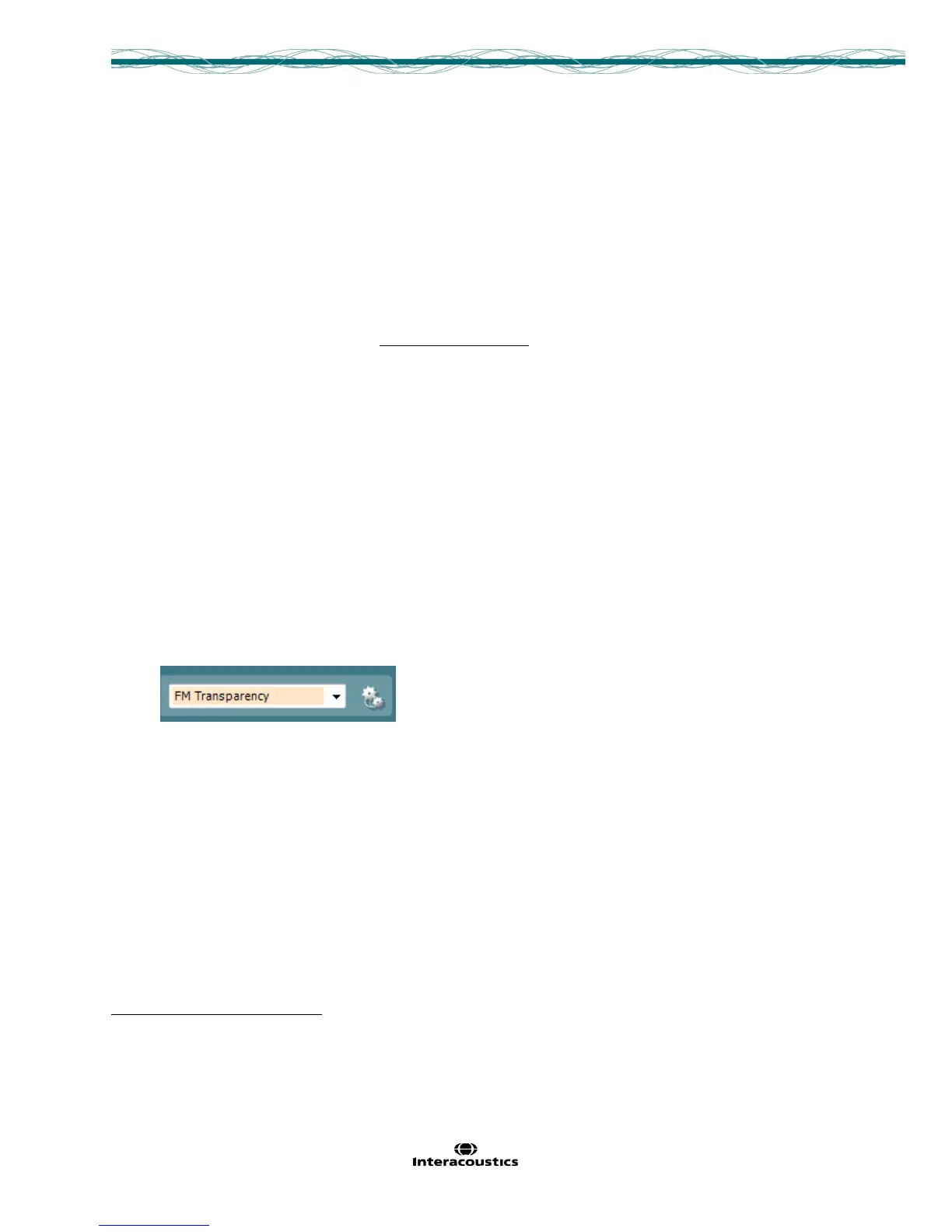
3. Select the FM Transparency protocol from the drop down menu.
NOTE: FM Transparency assumes that the hearing aid has already been programmed to match the targets,
according to the patient’s hearing loss and patient needs. Therefore, there is no need to show targets on the
screen. Targets and Fitting prescription information will not appear on the main screen when the FM
transparency is chosen.
The FM Transparency setup guide will pop up when the above protocol is chosen, instructing the HCP on how
to setup for FM Transparency verification
The FM Transparency test is a coupler test, therefore the protocol will start up in coupler mode by default.
Coupler mode is indicated by a hearing instrument attached to a coupler on the main screen.


 To Next Page
 Loading...


