Item No. 8105097 – 12/2013 Page 1 of 4
Quick Guide – Ear Level, FM-only
The purpose of this Quick Guide is to describe how to do real-ear verification of Ear Level FM systems (Oticon
Amigo Star, Phonak iSense) with the Interacoustics Affinity
Hearing Aid Analyzer, using FM-specific targets.
The verification method is based on the AAA Clinical Practice Guidelines for Remote Microphone Hearing
Assistance Technologies for Children and Youth Birth to 21 Years. For more information, please refer to the
AAA Guidelines.
Introduction
Ear Level FM systems are intended to be used by patients who have normal or near-normal hearing and help
increase the signal to noise ratio. They can be used, for example, in classroom settings for a child having
learning difficulties or auditory processing disorders (APD). Typical use will include an ear-level FM receiver,
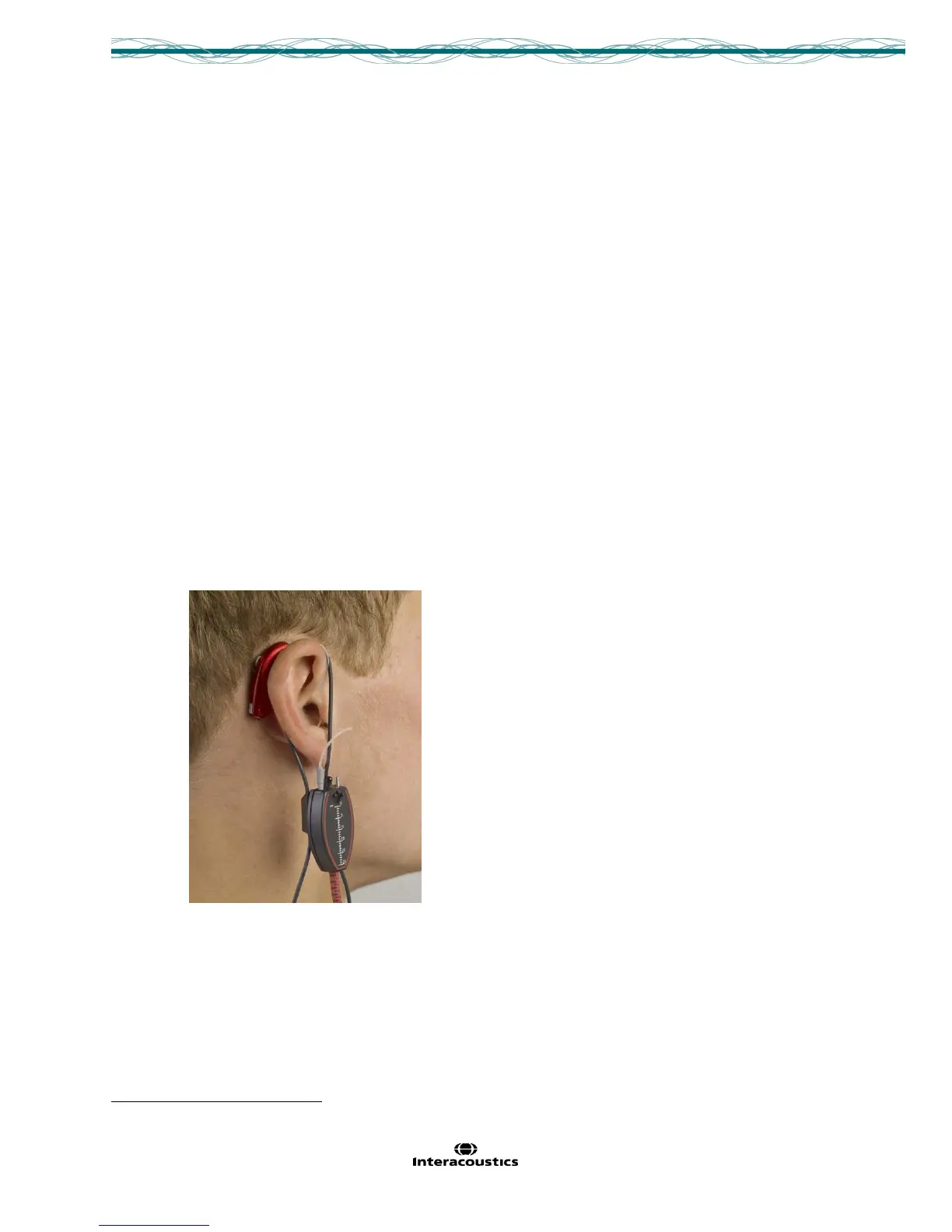
coupled to a thin tube, in an open ear configuration. The steps below guide clinicians on how to perform
straightforward real-ear verification of the ear level FM system, in order to verify the maximum output and the
recommended volume setting for the FM receiver.
Verification Steps
1. Prepare the patient for normal real ear:
o Position patient in front of the Affinity loudspeaker.
o Place the probe tube in the ear.
o Position the ear level FM receiver on the ear.



 To Next Page