
 Need help?
Do you have a question about the InterCard load.UP and is the answer not in the manual?
Covers logging levels and menu password configuration for the system.
Explains the use of Static IP versus DHCP for network setup.
Details the process for updating the terminal's software via the web.
Explains the necessity of server-side software for load.UP functionality.
Guides through initial checks for power, network link, and activity.
Addresses resolving issues with server communication and network settings.
Troubleshoots acceptors, card verification, and receipt printing.
 General
| Brand | InterCard |
|---|---|
| Model | load.UP |
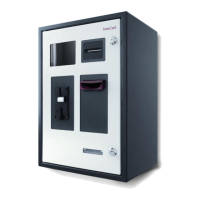
| Category | Payment Terminal |
| Language | English |

 To Next Page