A product of GRA, Inc. www.grainc.net
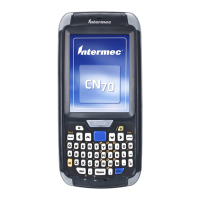
CN70 Barcode Scanner
Knowledge Guide
Add Items (via Scanner)
1. Power on the CN70 Scanner by pressing the yellow button on the top right
side of the scanner keypad.
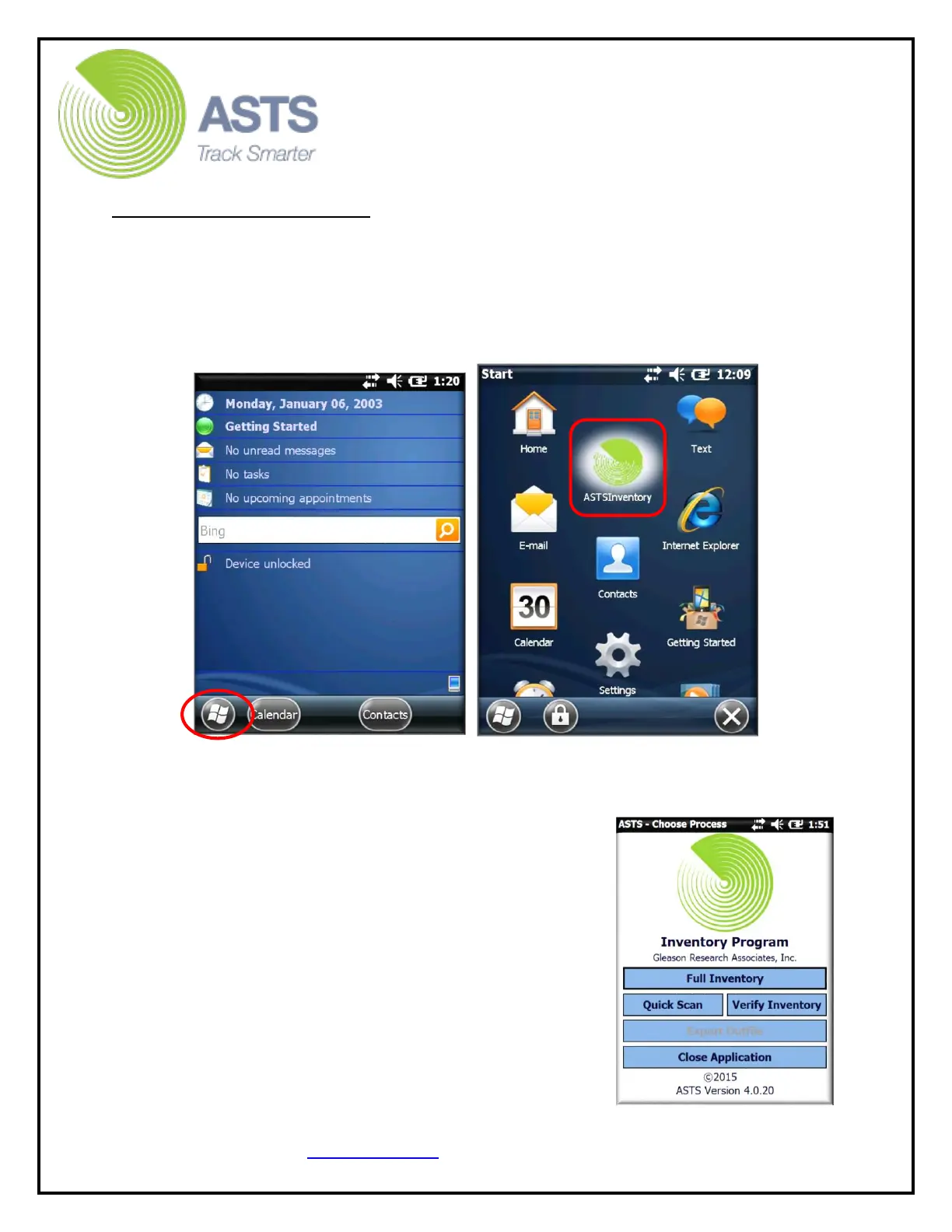
2. Once the unit powers on and displays the “Start” menu, (utilizing the Stylus
wand) press the “Windows” button located on the bottom left-hand side of
the touch screen, and select the “ASTS Inventory” shortcut from the drop-
down menu.
3. On the ASTS Main Menu, enter the scanner operator’s name and press the
“Start Application” button.
4. On the “Choose Process” screen, press the “Full
Inventory” button.


 To Next Page