A product of GRA, Inc. www.grainc.net
CN70 Barcode Scanner
Knowledge Guide
7. On the computer desktop, click the “Start” button and select “Computer” (My
Computer) to navigate to the drive list. Locate the “Portable Device(s)” icon
and click to open the contents.
8. Select the device storage (titled “\”, not “Flash File Store”, “Flash”, or “RAM
Drive”).
9. Within the “Mobile Device”
directory, open the “Program Files”
folder and then open the
“ASTSInventory” folder. Right click
inside this folder (blank area) and
select “Paste”.
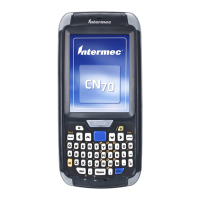
10. The CN70 scanner is now
ready for scanning inventory.
Remove the scanner from dock, and
proceed to the Conducting
Inventory section for to conduct an
inventory.


 To Next Page