56
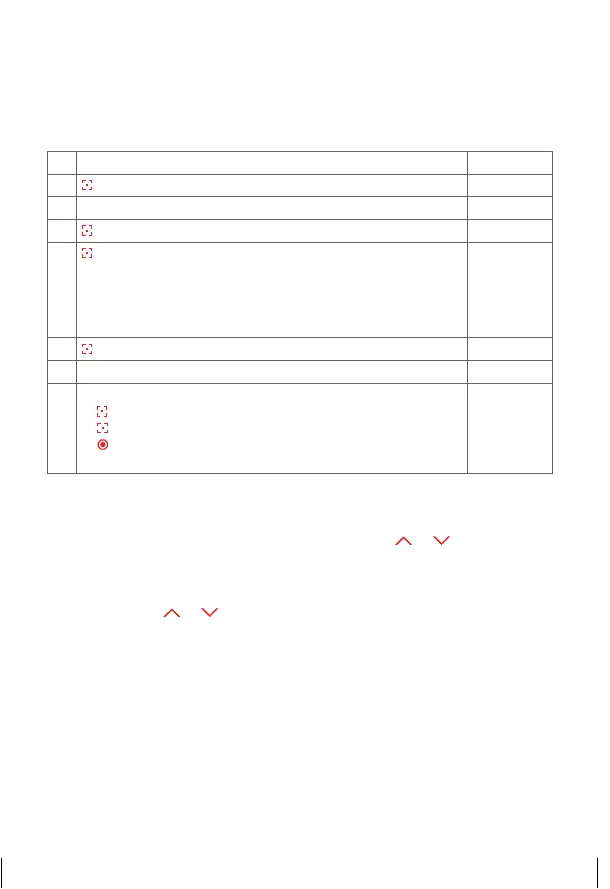
2. b) Program sunset automatic mode
If this function is selected, the I-tec shading after a learning period (max. 36
hours) recognises sunset, goes down and closes the shading.
1. Select function selection menu
©©££
2.
Press and hold = confirm selection
ªªªª
3. Select function selection menu
£££©
4.
Press and hold = confirm selection
¢¢¢¢
5.
Press briefly = select channel which should be
programmed by all shadings
¢ £££
= Channel 1
££¢£
= Channel 3
£ ¢ ££
= Channel 2
£££¢
= Channel 4
¢¢¢¢
= All channels
¢ £££
6.
Press and hold = function programmed
ªªªª
7. Programming process completed
£££©
8.
Further options:
1)
Press and hold = repeat process
2)
Press briefly = to the next function selection menu
3)
2x press and hold or no operation for 25 sec. =
completion of installation mode
Start and stop heat protection mode
If the automatic function of heat protection is activated, the function is
interrupted until the following day by operating buttons
or .
Interruption of sunrise mode
If the function sunrise is activated, the following sunrise can be skipped by
operating buttons
or in the evening; this means that the shading will not
automatically go up the following morning.
14_107_BHB_West.indd 56 02.06.14 13:00


 To Next Page
 Loading...