58
2. d) Program season-depending heat protection mode
Same functionality as with the permanent heat protection mode; however, the
blind automatically recognises summer or winter and deactivates/activates heat
protection depending on the season. Thus, solar gain in winter can be utilised.
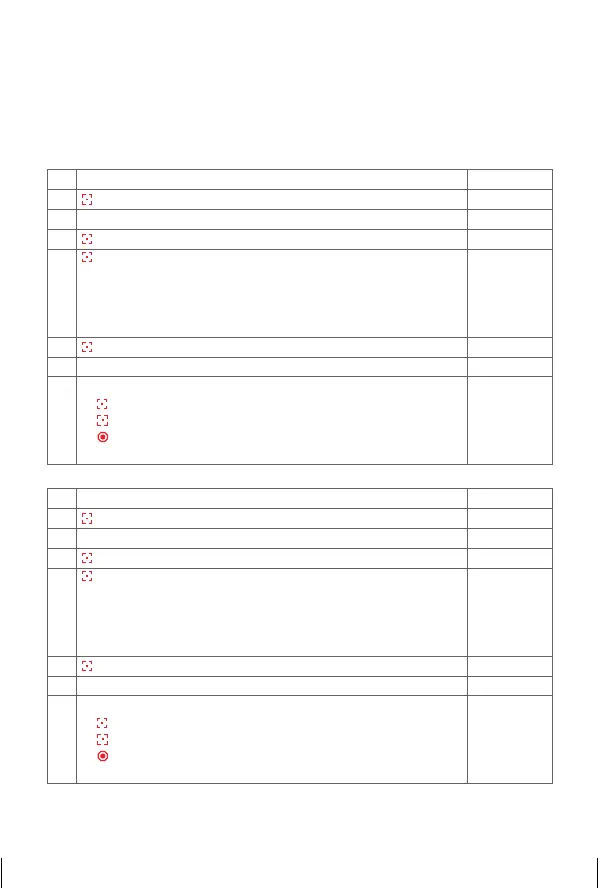
2. e) Delete automatic functions
1. Select function selection menu
££££
2.
Press and hold = confirm selection
¢¢¢¢
3. Select function selection menu
©©©©
4.
Press and hold = confirm selection
¢¢¢¢
5.
Press briefly = selection of channel, which should be
deleted from all shadings
¢ £££
= Channel 1
££¢£
= Channel 3
£ ¢ ££
= Channel 2
£££¢
= Channel 4
¢¢¢¢
= All channels
¢ £££
6.
Press and hold = function deleted
ªªªª
7. Programming process completed
©©©©
8.
Further options:
1)
Press and hold = repeat process
2)
Press briefly = to the next function selection menu
3)
2x press and hold or no operation for 25 sec. =
completion of installation mode
1. Select function selection menu
©©££
2.
Press and hold = confirm selection
ªªªª
3. Select function selection menu
©£©£
4.
Press and hold = confirm selection
¢¢¢¢
5.
Press briefly = selection of channel which should be
programmed by all shadings
¢ £££
= Channel 1
££¢£
= Channel 3
£ ¢ ££
= Channel 2
£££¢
= Channel 4
¢¢¢¢
= All channels
¢ £££
6.
Press and hold = function programmed
ªªªª
7. Programming process completed
©£©£
8.
Further options:
1)
Press and hold = repeat process
2)
Press briefly = to the next function selection menu
3)
2x press and hold or no operation for 25 sec. =
completion of installation mode
14_107_BHB_West.indd 58 02.06.14 13:00


 To Next Page
 Loading...