63
6. Adjust channel status after standby
In operating mode there are three display modes for LED
a) After standby of the base element last active channel is active
b) After standby of the base element always all blinds are active
c) After standby of the base element always first channel is active
One of these three modes can be set as follows:
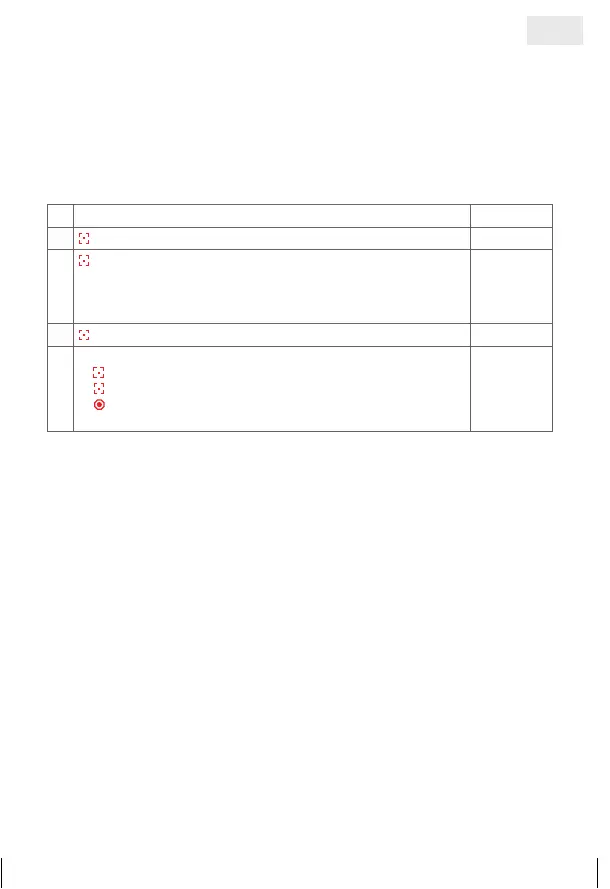
1. Select the ‘Menu’ function
©©©£
2.
press and hold = confirm selection
3.
press briefly = selection of display mode
££©©
= a) Always first channel after standby active
£©£©
= b) Last active channel after standby
©££©
= c) All channels active after standby
££©©
4.
press and hold = confirm selection
©©©©
5.
Further possibilities:
1)
press and hold = repeat process
2)
press briefly = to select an option from the ‘Menu’
3)
press and hold or no operation for 25 sec. =
finish installation mode
©©©£
GB
14_107_BHB_West.indd 63 02.06.14 13:00


 To Next Page
 Loading...