64
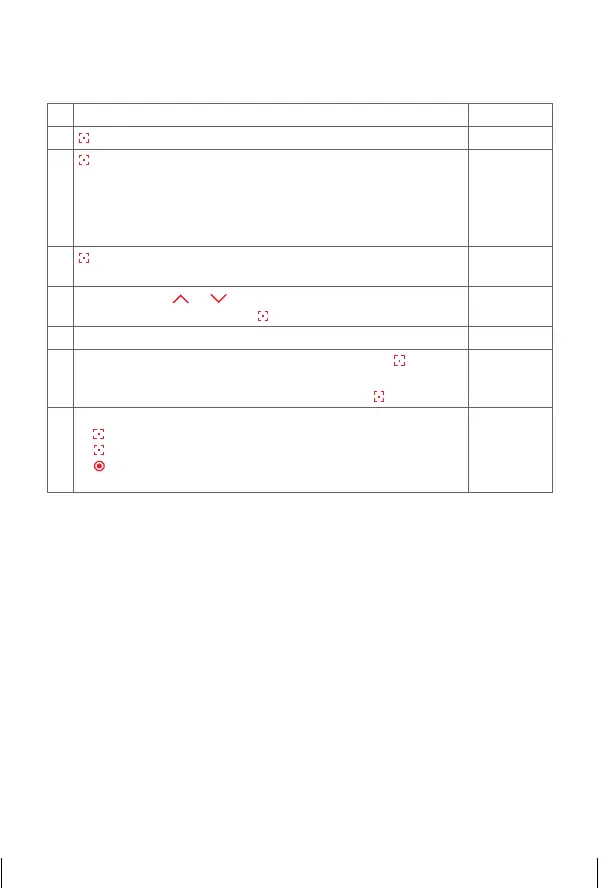
7. a) Adjust blind length
1. Select the ‘Menu’ function
£©©£
2.
press and hold = confirm selection
©©©©
3.
press briefly = select channel of blind where length should
be adjusted. For this, blind has to be programmed before-
hand
©£££
= channel 1
££©£
= channel 3
£©££
= channel 2
£££©
= channel 4
©£££
4.
press and hold = confirm channel ¢ LED flashes faster
after selection
ª£££
5.
Move with key
or to required bottom end position ¢
confirm with press and hold
6. Blind moves by itself to top end position – data will be saved.
ªªªª
7.
Selected LED flashes ¢ confirm with press briefly
IMPORTANT: wait until blind has moved to top end position
and stops, before confirming with press briefly
ª£££
8.
Further possibilities:
1)
press and hold = repeat process
2)
press briefly = to select an option from the ‘Menu’
3)
press and hold or no operation for 25 sec. =
finish installation mode
£©©£
14_107_BHB_West.indd 64 02.06.14 13:00


 To Next Page
 Loading...