65
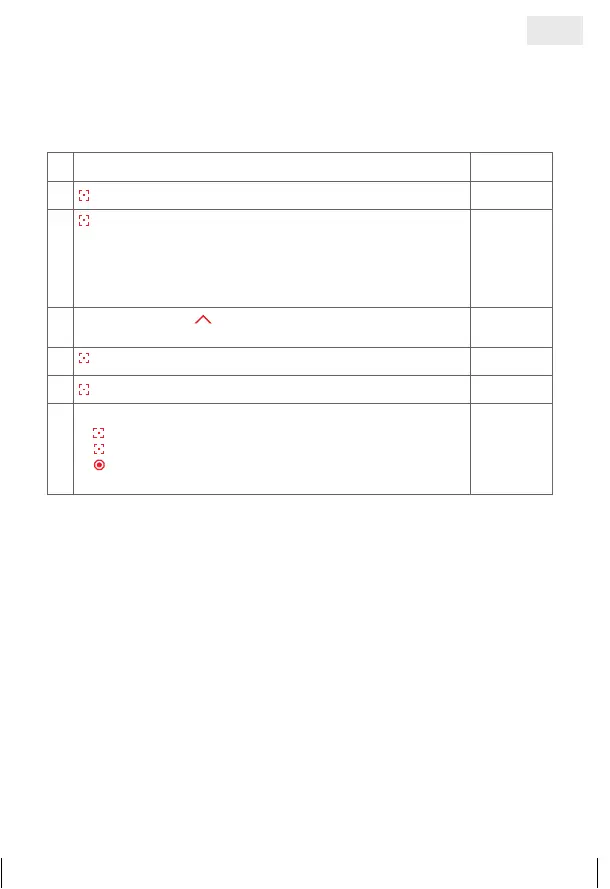
7. b) Calibrate shading with top end position
This function is needed if the shading in normal operation does not go
completely up to the top position any longer.
1. Select the ‘Menu’ function
£©©£
2.
press and hold = confirm selection
3.
press briefly = select channel of blind where length should
be adjusted. For this, blind has to be programmed before-
hand
©£££
= channel 1
££©£
= channel 3
£©££
= channel 2
£££©
= channel 4
©£££
4.
Long press of key
¢ blind moves completely to the top
and calibrates itself anew
©©©©
5.
press briefly
©©©©
6.
press and hold = confirm selection
£©©£
7.
Further possibilities:
1)
press and hold = repeat process
2)
press briefly = to select an option from the ‘Menu’
3)
press and hold or no operation for 25 sec. =
finish installation mode
£©©£
GB
14_107_BHB_West.indd 65 02.06.14 13:00


 To Next Page