EasyManua.ls Logo

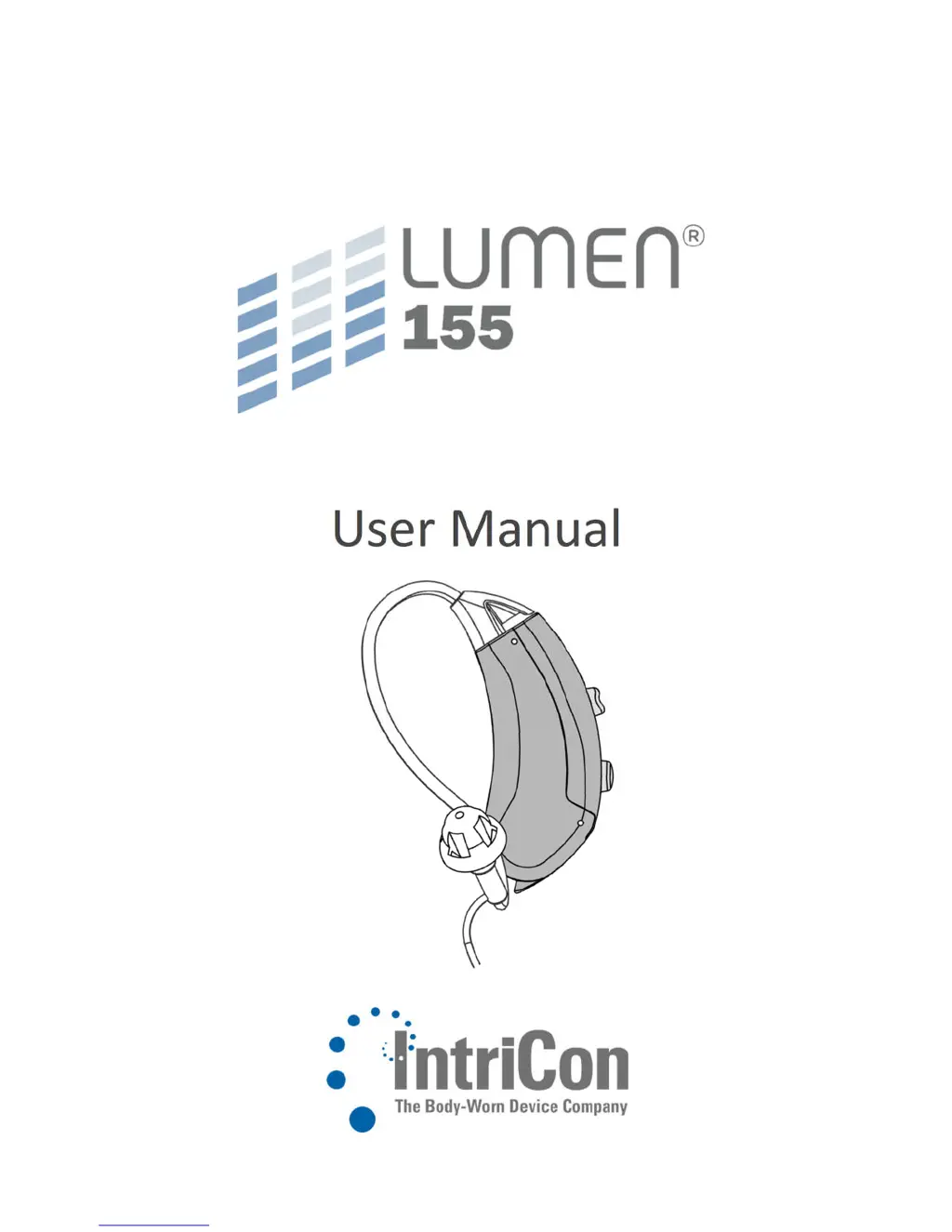
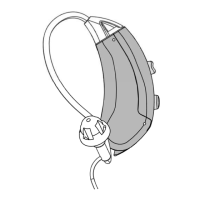
IntriCon Lumen 155 - User Manual

IntriCon Lumen 155
36 pages
Print Icon
To Next Page IconTo Next Page
Loading...
22980_A
User Manual

Questions and Answers

  • B
    burchbradleyAug 3, 2025
    How to fix IntriCon Lumen 155 Hearing Aid when there is no sound?
    • A
      Amber TurnerAug 3, 2025
      If your IntriCon Hearing Aid has no sound or the sound is not loud enough, there might be several reasons: * The hearing device may be off. To resolve this, turn it on by closing the battery door. * The battery might be low or dead. Try replacing the battery. * Ear wax or a clogged tube could be the issue. Clean or replace the thin tube, dome tip, or earmold. * The battery may be upside down. Ensure you insert the battery with the plus side (+) up. * Moisture may have accumulated. Open the battery door and allow it to dry.
  • L
    lambertandrewAug 11, 2025
    What to do if my IntriCon Hearing Aid is whistling?
    • L
      Leslie WilliamsAug 11, 2025
      If your IntriCon Hearing Aid is making a whistling or squealing noise, here's what you can do: * The dome tips may not be inserted properly. Remove and reinsert them. * Hair or clothing might be near your ear. Remove any hair or clothing close to your ear. * There might be cracks in the ear tube. Replace the ear tube and tip. * If you have a poor-fitting ear mold, contact your hearing healthcare provider.
  • S
    Sarah AndersonAug 19, 2025
    Why is the wireless not working on my IntriCon Lumen 155?
    • K
      Kimberly RossAug 19, 2025
      If the wireless feature on your IntriCon Hearing Aid isn't working, consider the following: * The device may be on airplane mode. Open and then close the battery door. * Bluetooth might be turned off. Turn on Bluetooth. * The devices might not be paired. Re-pair your hearing devices.
  • D
    Debra TuckerAug 26, 2025
    What does three double beeps mean on IntriCon Lumen 155 Hearing Aid?
    • D
      Dawn TorresAug 26, 2025
      If your IntriCon Hearing Aid is emitting three double beeps, it likely indicates a low battery. Replace the battery to resolve this issue.

Summary

Quick Reference

Your Hearing Device at a Glance

Turning Your Hearing Device On and Off

Battery

Low Battery Indicator

Wearing Hearing Device

Operating Instructions - Volume Control

Operating Instructions - Program Controls

Maintaining Your Hearing Device

Thin Tube Maintenance Procedures

Procedures for replacing, removing, and attaching the hearing device's thin tube and dome tip.

Earmold Maintenance Procedures

Instructions for cleaning and maintaining the hearing device's earmold and associated tubing.

Using with Telephones and Cellular Phones

Caring for Your Hearing Device

Trouble Shooting

Precautions

Warnings

Technical Specifications

Technical Specs: Directional Microphone

Technical specifications for the Lumen 155 hearing device with a directional microphone.

IntriCon Lumen 155 Specifications

General IconGeneral
BrandIntriCon
ModelLumen 155
CategoryHearing Aid
LanguageEnglish