Selects the type of stimulus used for the acoustic reflex
test.
Adjusts the output strength of the stimulus. This knob is
also used to select the various items of the Settings
menu.
Adjusts the pressure at which acoustic reflex and decay
tests are conducted (Flute Plus only) Also used to change
the values of parameters when the Settings menu is
activated.
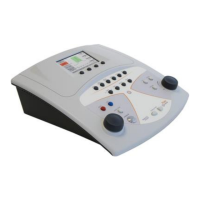
KEYBOARD OF THE VIOLA ‘COMBO’ IMPEDANCE-
AUDIOMETER
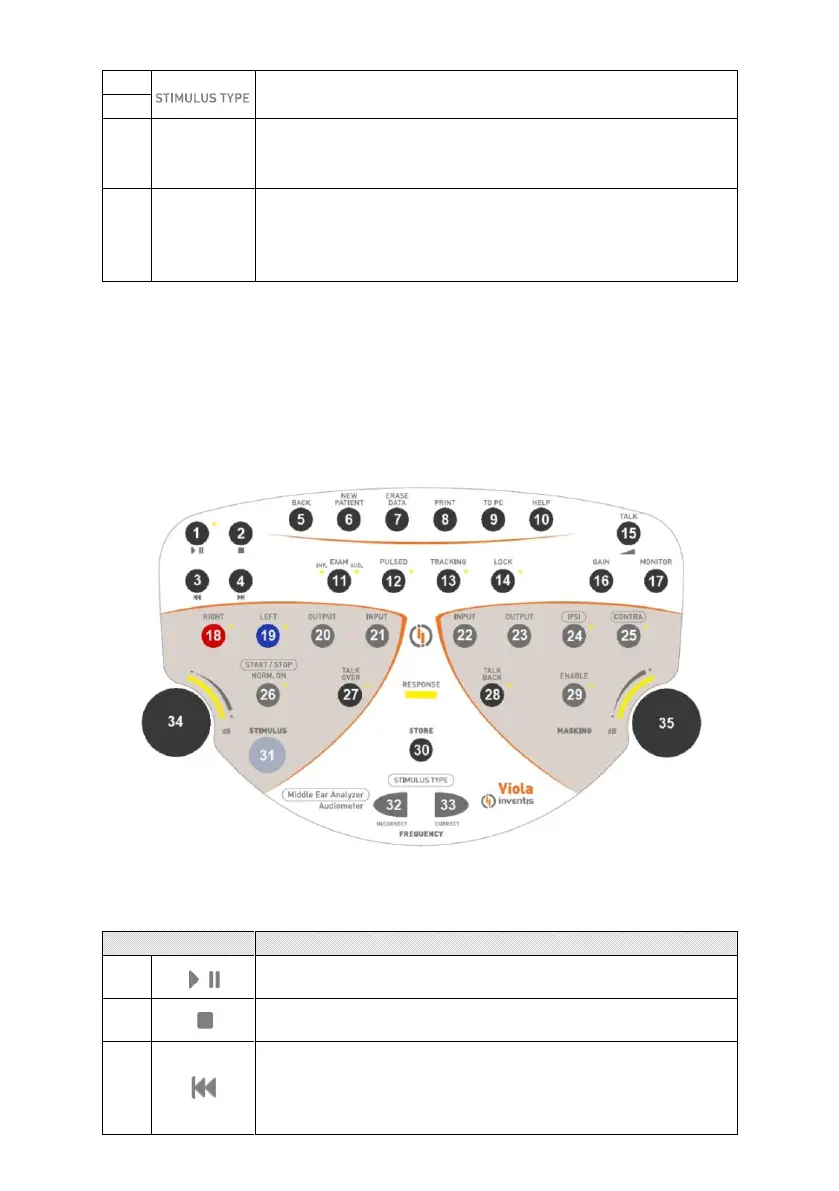
Certain buttons on the keyboard of Viola models (e.g. number 26) have
more than one function, depending on the examination selected. If the
window currently displays an impedance-related test, the button will have
the function inscribed in the border, whereas if the screen is displaying an
audiometric test page, the other function indicated will be the active
function.
Keyboard of the Viola Pus ‘combo’
Certain buttons are not present on the Viola Basic impedance-audiometer.
Starts or pauses the playback of word list.
Terminates playback of the current list.
If audio material is not playing: brings up the list
preceding the current list. If audio material is playing:
jumps back to the previous word, if the list is indexed, or
by 5 seconds if not indexed.


 To Next Page
 Loading...