EasyManua.ls Logo

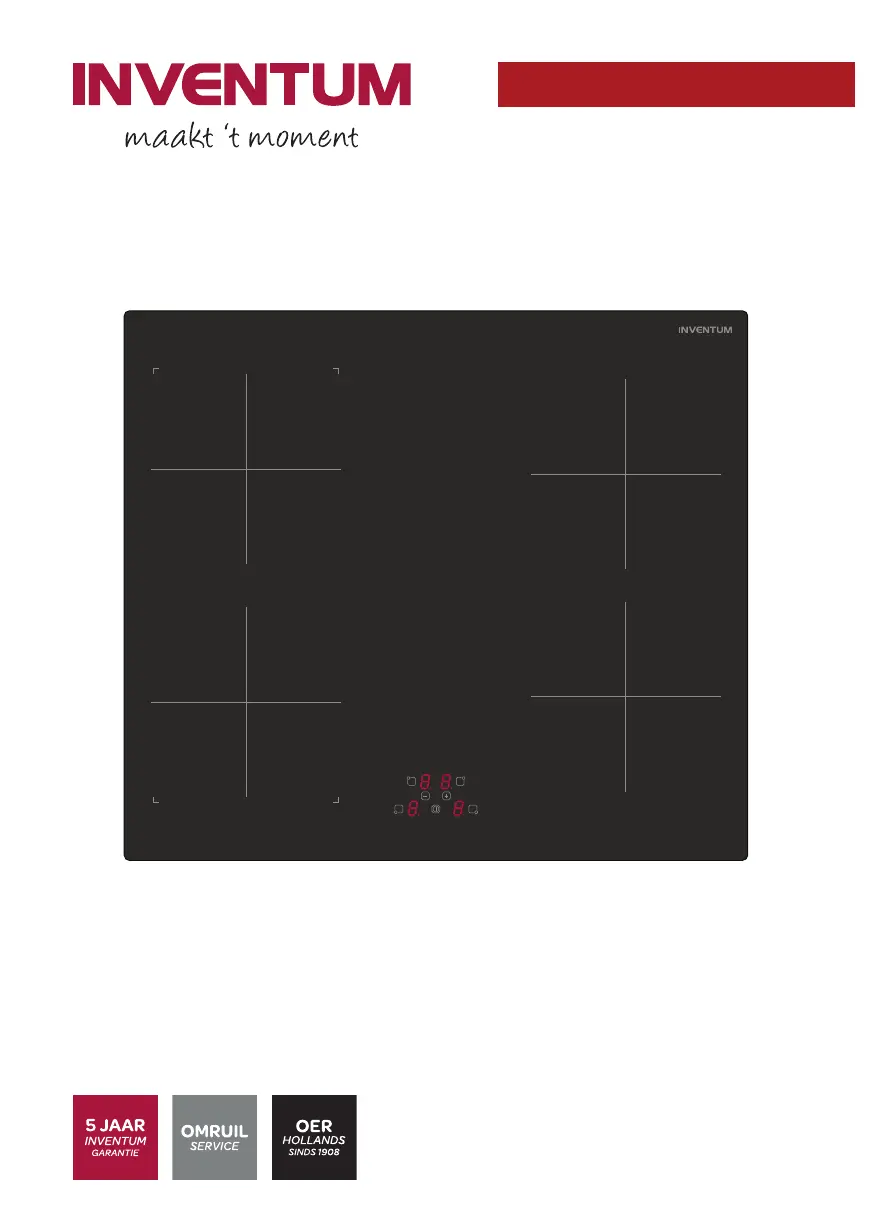
inventum IKI6040 - User Manual

inventum IKI6040
76 pages
Go to English
Print Icon
To Next Page IconTo Next Page
Loading...
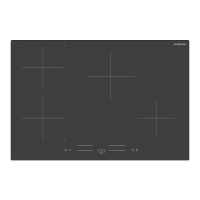
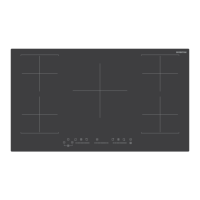
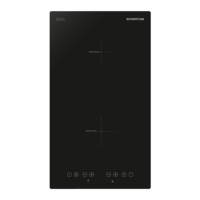
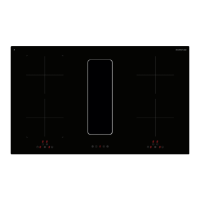
IKI6040
Inductiekookplaat
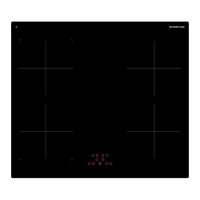
Induction hob
Induktionskochfeld
Table de cuisson à induction
Gebruikershandleiding
User manual
Benutzerhandbuch
Manuel d'utilisation
6-22
23-38
39-56
57-74
14 - 002 - 06.11.2019

Questions and Answers

  • J
    Jasmine WoodwardAug 10, 2025
    What to do if my Inventum Hob does not start?
    • A
      Ashley ManningAug 10, 2025
      If your Inventum Hob isn't starting, first, check that the mains plug is correctly connected to the mains socket and that the mains supply is on. Also, the appliance may be locked, so unlock it. Finally, ensure the touch buttons are clean.
  • J
    jenniferrogersAug 15, 2025
    What does error code E mean on my Inventum Hob?
    • A
      Ashley RamirezAug 16, 2025
      The Inventum Hob displays error code E for various reasons: * For error code Er03 or E8: Remove the blockage. * For error code E2 / EH: Let the appliance cool down. * For error code E3: Use a pan that is suitable for an induction appliance. * For error code E5: Check the voltage of the mains supply. * For error code E6: Check the frequency of the mains supply. * For error code U400: Check the mains supply and connect the appliance to the mains supply.
  • L
    Luis WhiteAug 22, 2025
    Why does my inventum IKI6040 Hob show 'U' on the control panel?
    • J
      Jessica StewartAug 23, 2025
      The 'U' on your Inventum Hob's control panel indicates either that there is no pan on the cooking zone, or the pan is not suitable for induction cooking. Place a suitable pan on the cooking zone.
  • B
    Barry ScottAug 28, 2025
    Why does my inventum IKI6040 Hob cooking zone switch off automatically and show 'H'?
    • S
      Scott WarrenAug 28, 2025
      A cooking zone on your Inventum Hob may switch off automatically and display 'H' because the maximum cooking time has been reached. To resolve this, start the appliance and select a cooking zone.
  • R
    Rachel RodgersSep 3, 2025
    What to do if my inventum IKI6040 Hob shows 'L' on the control panel?
    • R
      Robert RileySep 3, 2025
      The 'L' displayed on the Inventum Hob control panel indicates that the appliance is locked. Unlock the appliance to resolve this.

Summary

Safety Guidelines for Your Induction Hob

General Safety Instructions

Essential safety guidelines for using the appliance, covering general precautions and user responsibilities.

Safety Instructions for Installation

Critical safety measures and requirements to follow during the appliance's installation process.

Safety Instructions for Operation

Key safety rules and precautions to observe while operating the induction hob for cooking.

Installation Guide for Your Induction Hob

Installation Safety and Preparation

Safety precautions, unpacking, and initial steps required before installing the appliance.

Ventilation and Opening Requirements

Specifications for creating ventilation openings and ensuring proper airflow around the appliance.

Appliance Connection and Installation

Steps for connecting the appliance to mains power and physically installing it into the worktop.

Operating Your Induction Hob

Starting and Stopping the Appliance

How to turn the appliance on and off, and what happens if no zone is selected.

Using Cooking Zones

Detailed steps for selecting, operating, and stopping individual cooking zones.

Stopping the Appliance

Final steps to switch off the appliance, including indicator status.

Cleaning and Maintenance

Additional Information and Troubleshooting

Troubleshooting Procedure

General steps to follow when encountering problems with the appliance.

Common Problems and Solutions

A table listing common issues, their causes, and recommended solutions.

Breakdown Codes Explained

Interpretation of error codes displayed on the control panel for diagnosing faults.

inventum IKI6040 Specifications

General IconGeneral
Brandinventum
ModelIKI6040
CategoryHob
LanguageEnglish

Related product manuals