30 • English
how to measure object temperature
6
temperature taking tips
7
1. External factors may influence forehead temperatures,
particularly when an individual has:
• been exposed to very hot or very cold temperatures
• been recently swimming or bathing.
• had their forehead covered.
In these cases, remove the individual from the situation and wait
for 30 minutes prior to taking a temperature again.
2. With object measurement, the current surface temperature
of the object is displayed. It can be different from its internal
After the test, press the [ M ] memory button or wait for 1 minute to
return to the waiting mode.
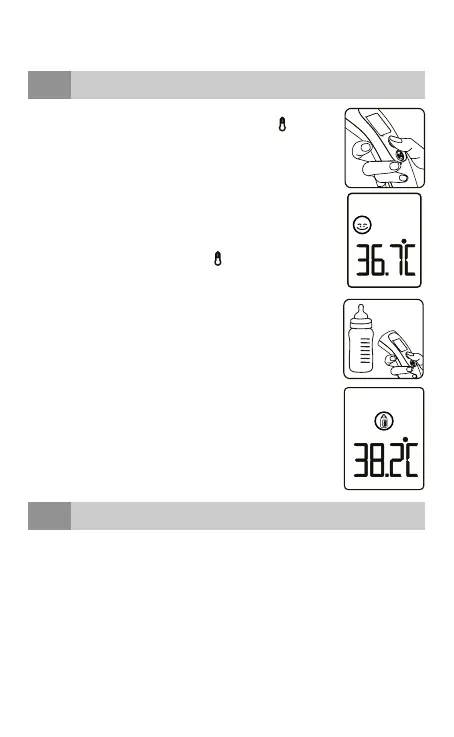
1. Press at the same time on the buttons [
] and [M]
to switch to the object mode.
2. Hold the thermometer and ensure the sensor is
around 1 to 5 cm from the liquid or surface you
want to measure. Press the [
] measuring button
to start the measurement.
3. Remove the thermometer from the object. The
LCD displays the measured temperature.
You can press the [ M ] memory button to return
back to standby mode.
The thermometer will automatically return back
to standby mode after 1 minute if no button is
pressed.



 To Next Page