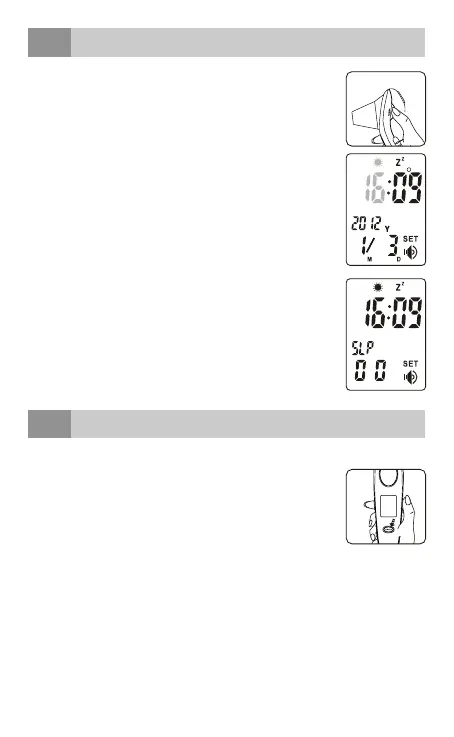
date and time setting
10
Press [TALK] button to turn on the thermometer.
Press and hold [MEM] button about 2 seconds to
enter into setting mode.
Press [MEM] button to increase the parameter
which you selected. Press and hold [MEM] button to
increase the parameter fleetly.
Press [TALK] button to switch the settings of hour,
minute, year (2001~2099), month, day and sleep
mode (ON or OFF).
When the sleep mode is active, the thermometer
will turn off automatically about 1min or 3min (which
is factory default); when the sleep mode is
deactivated, the thermometer remains power on.
To save power, we recommended to set the sleep
mode ON.
voice setting
11
Press [TALK] button to turn on the thermometer.
Press and hold [TALK] button about 2 seconds to
select the talking language you want, it will change
to another language or no-talking function [--]
automatically.
Keep repeating this step until the right voice setting is
selected.
The order is: NL - EN- GE - FR - [--].
CELSIUS/ FAHRENHEIT OPTION
Press and hold [TALK] and [Measuring] button to switch between
Celsius (°C) and Fahrenheit (°F) when the thermometer in waiting
mode, measuring mode or memory mode.
English • 35



 To Next Page