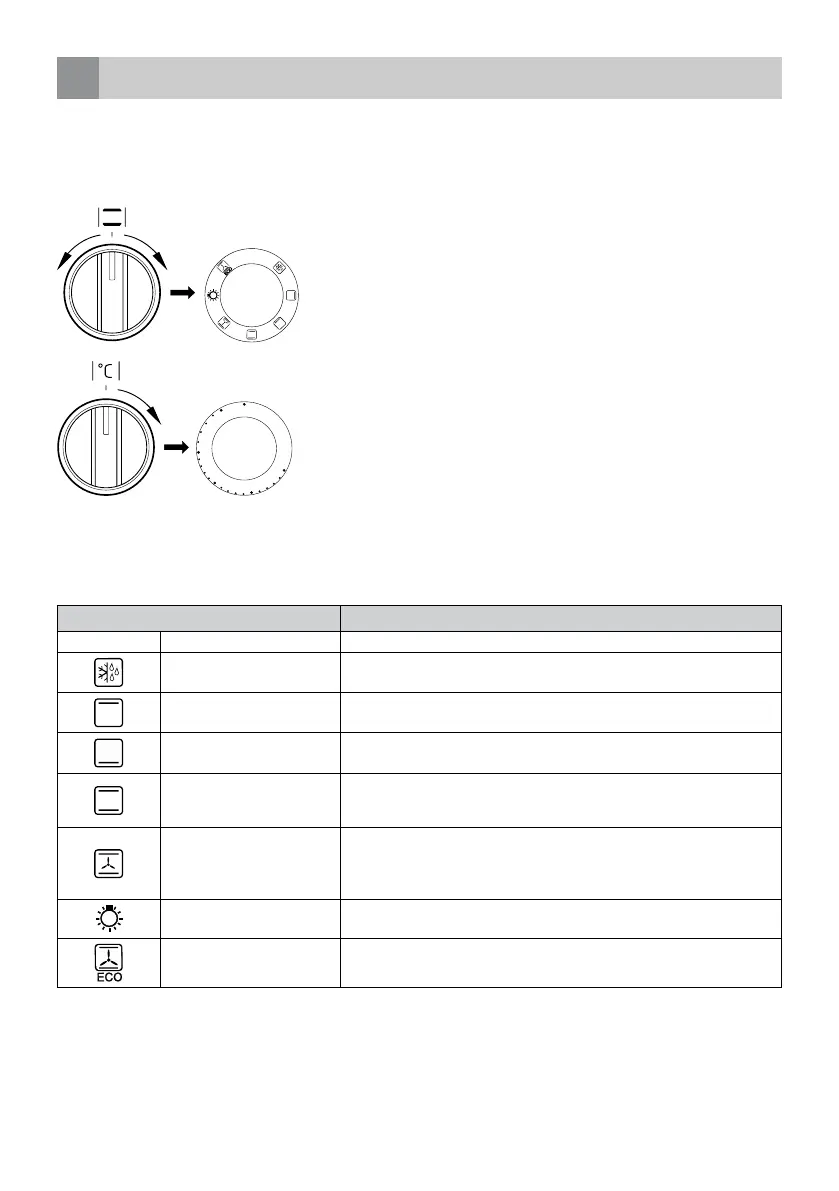
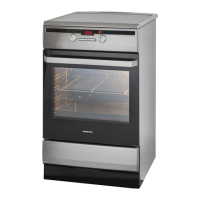
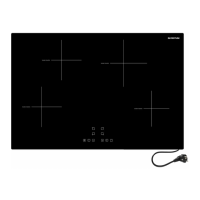
The oven has the following functions:
Ovenfunction Description
0 Off The oven is turned off.
Defrosting Only the fan is on and all heating elements are off.
Bovenste verwarmings-
element
With this function only the top heating element is on. Use for
final baking from above.
Bottom heating element
With this function only the bottom heating element is on. for baking of
cakes from the bottom until done (e.g. moist cakes with fruit stuffing).
Top and bottom heating
element
With this function the oven is heated for conventional baking. This setting
is ideal for baking cakes, meat, fish, bread and pizza on one level (it is
necessary to preheat the oven and use dark coloured baking tins).
Convection: top and bottom
heating element with fan
This function is most suitable for baking cakes.
When this function is selected but the temperature knob is set to 0 only
the fan will be on. This could be helpfull for cooling down a dish or the
oven chamber.
Oven lighting
The oven light can be switched on independant from the oven. When
selecting this function the inside of the oven is lit.
ECO fan assisted heating
This is an optimised heating function designed to save energy when
preparing food. The oven lighting is off during use of this function.
Switching on the oven is indicated by two signal lights, a thermostat light and a control light.
The control light on the right next to the timer turned on, means the oven is working.
When the thermostat light, on the left of the timer, goes out, the oven has reached the set temparature. If a recipe
recommends placing the dish in a pre-heated oven, this should not be done before the thermostat light goes out for the first
time.
When baking, the thermostat light will temporarily come on and off (to maintain the temperature inside the oven).
The control light can also be on when the oven function knob is set to the function “Oven lighting”.
operating the convection oven
6
The convection oven can be heated up using the bottom and top heating elements and the fan heater.
SWITCHING ON
To switch the oven on, turn the oven function knob to the desired setting and the temperature knob to the right
temperature. As soon as the oven has reached the set temperature, the thermostat light goes out.
SWITCHING OFF
To switch the oven off, turn both knobs back the off setting [
/ 0 ].
Caution! When selecting any heating function, the oven will only be switched on after the temperature has been set by the
temperature knob.
31
• English
0
5050
1
00
150
200
250



 To Next Page