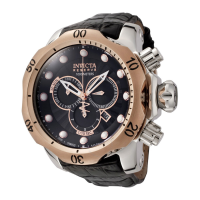
2.3
2.1
2.4
2.2
Movement Caliber : VD53
Setting
Time Setting
•
Before setting the time, check that the chronograph measurement
isstopped.
•
Donotsetthedatebetween9:00P.M.and1:00A.M,otherwisethe
day may not change properly. If it is necessary to set the date during
thetimeperiod,rstlychangethetimetoanytimeoutsideit,setthe
date and then reset the correct time.
2.1 Pull out the crown to the position 1
2.2 Turn the crown clockwise until the preview day’s date appears.
2.3 Pull out the crown to the position 2 when the second hand is at the 12 o’clock position.
Itwillstoponthespot.Setthehandstothedesiredtimeoftheday(makesureAM/PMis
set correctly) by turning the crown.
•
When the crown is at the second click position, do not press any button. Otherwise the
chronograph hands will move.
2.4 Push the crown back in the normal position in accordance with a time signal.



 To Next Page