8
Connectivity
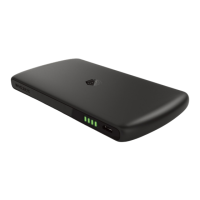
To check the power status of your
InvizBox Go tap the InvizBox logo on the
top of the device.
Battery Information
The above colours show the InvizBox
Go WiFi LED status at all states of
connection.
Solid orange -
Behind a captive portal or No VPN network
Solid green -
VPN Connected
Solid red -
Not connected to WiFi
Flashing orange -
Connected to WiFi, VPN not connected yet

 To Next Page
 Loading...
