3
HDD Mode
Dual Mode
CD Mode
iso File Mounted to Virtual CD
Connect Virtual HDD
H
9. Write Protect On / Off
■ Write Protect is on when connect PC with backup button pressed.
■ Otherwise, Write Protect is off.
D
D
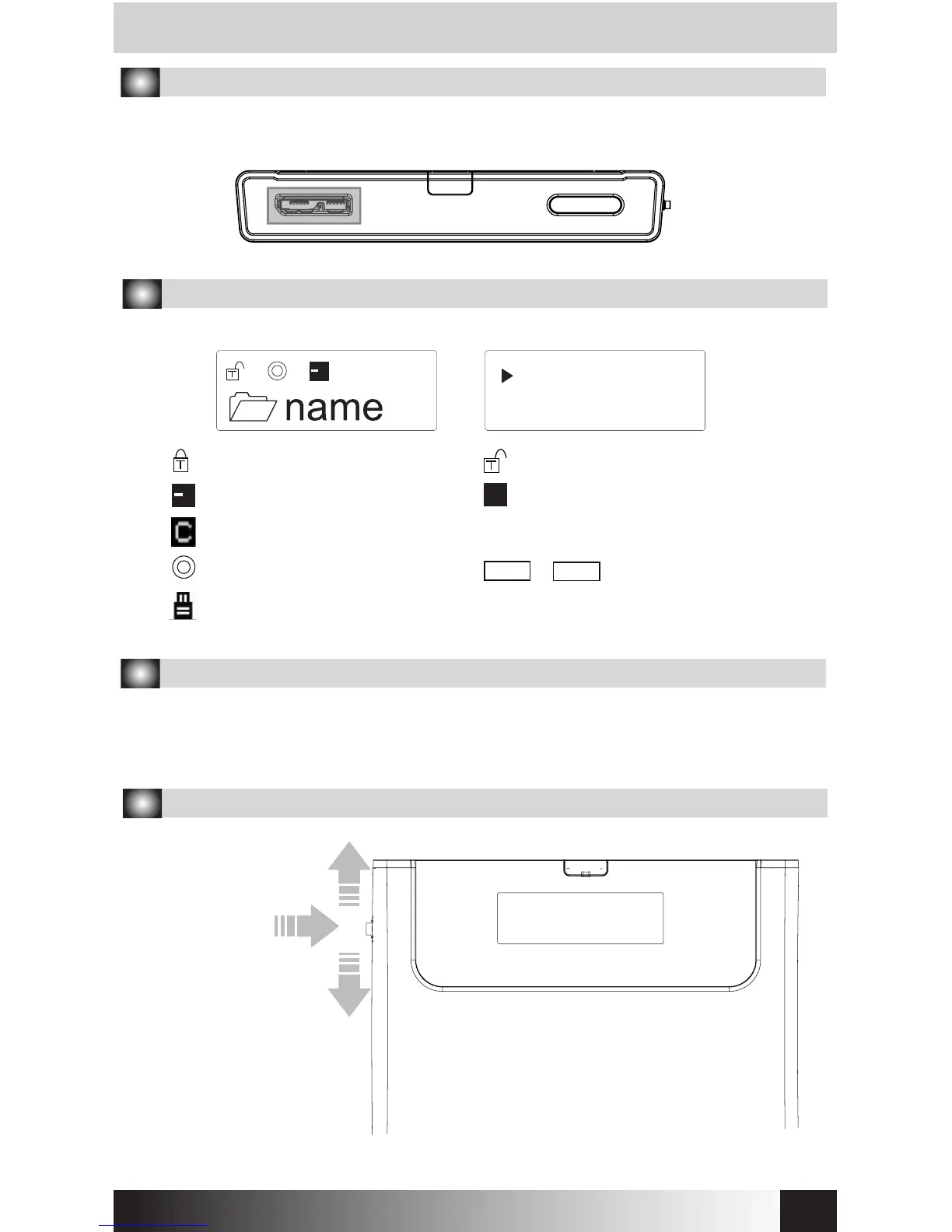
7. Connecting to PC
Connect device to PC’s USB3.0 port using enclosed USB3.0 cable.
When disconnecting, please use “Hardware Safety Removal” on tray.
8. Display and Icon
List display Menu display
Mode Select >
Setting >
Write Protected
Read & Write Enabled
Sleep Mode
Z
Z
10. Using Jog Switch
To previous le
To next le
Select le
PC connection status
USB2.0 or USB3.0
iodd.co.kr


 To Next Page