• For best results, we recommend the computer at least a P III 1 GHz
processor, and screen resolution is set to 1024x768
• For best results, we recommend an Internet connection speed of at
least 128 kbps
• Browsers must support 128 bit data encryption
• To run the Windows
®
client, DirectX 8.0 or higher
• To run the Java client, Sun’s Java Runtime Environment (JRE) 6,
Update 3, or higher
• To run the Log Server, Microsoft Jet OLEDB 4.0 driver installed
(or higher)
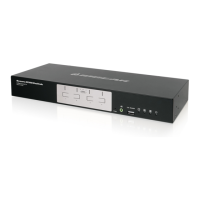
1 x GCS1808i / GCS1816i IP Base KVM
2 x Custom KVM Cable Sets (1 x PS/2; 1 x USB)
1 x Console Cable
1 x Firmware Upgrade Cable
1 x Foot Pad Set (4 pcs)
1 x Power Adapter
1 x Mounting Kit
1 x Quick Start Guide
1 x Installation CD
1 x Warranty Card
Console
• 1 VGA monitor capable of displaying the highest resolution provided
by any computer in the installation
• 1 USB or PS/2 Mouse
• 1 USB or PS/2 Keyboard
Computer
• Video graphics card with an HDB-15 port
• Either a Type A USB port and USB host controller
or
• A 6-pin mini-DIN keyboard and mouse ports
Requirements
1
Package Contents



 To Next Page