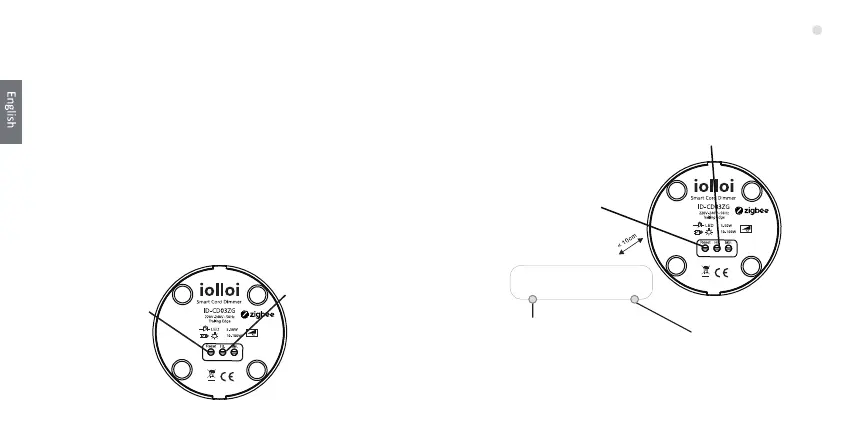
3. Remove from a zigbee network 5. Find and Bind Mode
4.Factory Reset Manually
Step 1: Press and hold
“Reset” buon for over 5
seconds.
Step 2: The Red
indicator light will be
on for 10s to show
the device has been
reset.
Short press the “Reset” buon 3 mes,the purple indicator
light will flashing.
The purple indicator will be stop flashing and solid on for 10s to
show successful remove. (180s meout repeat this step.)
Step 1: Press the “Reset”
buon for 5 mes.
Step3: Set the remote or touch
panel (target node) into find
and bind mode, and enable it
to find and bind iniator,
please refer to corresponding
remote or touch panel manual.
Step 4: There shall be indicaon
on the remote or touch panel
that it bind the device
successfully and can control it
then to learn how.
Step 2 : The yellow indicator will
start flashing. (180s meout
repeat this step.)
Note: All configuaon parameters will be reset aer the
device is reset or removed from the network.
Zigbee Remote
Note: Make sure the device and remote already added to
the same ZigBee network.
08



 To Next Page