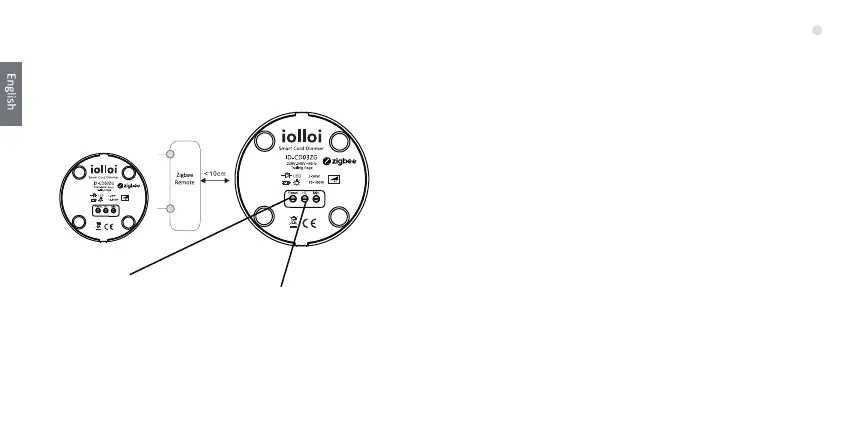
6. Setup a ZigBee Network & Add Other Devices to
the Network(No Coordinator Required)
Step 2:The white indicator
will start flashing and stay
solid for 10s to show the
dimmer has creang the
zigbee network successfully.
Step 3 : Press the “Reset” buon for 7 mes to allow other
devices to be added into the network.The red indicator light
will be flashing connuously.
Step 4 : Set another device or remote or touch panel into
network pairing mode and pair to the network, refer to their
manuals.(180s me limit)
Step 5 : Pair more devices and remotes to the network as you
would like, refer to their manuals.
Step 6 : Bind the added devices and remotes through
Touchlink so that the devices can be controlled by the
remotes, refer to their manuals.
Note:
1) Each added device can link and be controlled by max.30
added remotes.
2) Please refer to remote instrucon of how many devices can
be linked.
•••
•••
Step 1:Press the “Reset”buon
for 6 mes to enable the device
to setup a zigbee network.
10



 To Next Page