EasyManua.ls Logo

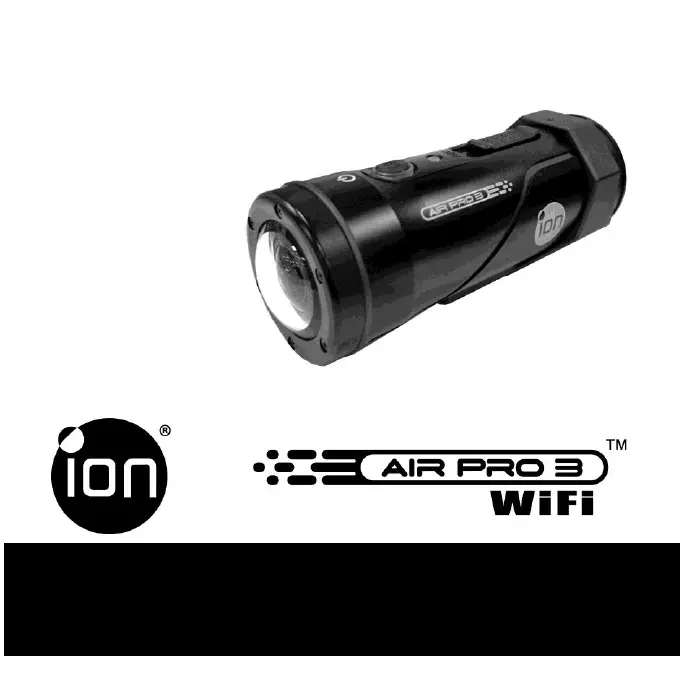
ION AIR PRO 3 - User Manual

ION AIR PRO 3
44 pages
Print Icon
To Next Page IconTo Next Page
Loading...
Questions?
Need Some Help?
This manual should help
you understand your new
product.
If you still have
questions,
visit our website:
ioncamera.com
Like Us:
www.facebook.com/ioncamera
Tweet Us:
www.twitter.com/ioncamera
User Manual

Other manuals for ION AIR PRO 3

Questions and Answers

Summary

REGULATORY INFORMATION

SAFETY AND HANDLING

Warnings and Cautions

Important safety warnings and precautions for product use.

CAMERA BASICS AND SETUP

Getting Started: Charging and Initial Setup

Steps for charging the battery, inserting SD card, and initial configuration.

WIRELESS CONNECTIVITY

Wi-Fi PODZ Setup and Connection

Guidance on installing and connecting the Wi-Fi PODZ for wireless features.

Connecting to Devices

Steps to connect the camera to a PC or smart device via Wi-Fi.

WATERPROOFING AND SEALS

Sealing for Water Damage Prevention

Instructions on sealing the camera for waterproof operation.

COMPUTER AND SOFTWARE INTERACTION

CAMERA SETTINGS AND FEATURES

Linking and Firmware Updates

Information on linking to online services and updating camera firmware.

HDTV CONNECTIVITY AND OPERATION

TROUBLESHOOTING

Summary

REGULATORY INFORMATION

SAFETY AND HANDLING

Warnings and Cautions

Important safety warnings and precautions for product use.

CAMERA BASICS AND SETUP

Getting Started: Charging and Initial Setup

Steps for charging the battery, inserting SD card, and initial configuration.

WIRELESS CONNECTIVITY

Wi-Fi PODZ Setup and Connection

Guidance on installing and connecting the Wi-Fi PODZ for wireless features.

Connecting to Devices

Steps to connect the camera to a PC or smart device via Wi-Fi.

WATERPROOFING AND SEALS

Sealing for Water Damage Prevention

Instructions on sealing the camera for waterproof operation.

COMPUTER AND SOFTWARE INTERACTION

CAMERA SETTINGS AND FEATURES

Linking and Firmware Updates

Information on linking to online services and updating camera firmware.

HDTV CONNECTIVITY AND OPERATION

TROUBLESHOOTING

ION AIR PRO 3 Specifications

General IconGeneral
Video Resolution1080p
Wi-FiYes
Image SensorCMOS
Sensor TypeCMOS
Lens TypeFixed
Aperturef/2.8
ZoomDigital Zoom
Display TypeLCD
TouchscreenNo
Max Storage CapacityUp to 32GB
Battery TypeLithium-Ion
Battery Life2.5 hours
ConnectivityUSB, HDMI
Wireless ConnectivityWi-Fi
ShockproofYes
WaterproofYes
Frame Rate60 fps
Display Size2.0 inches
Storage MediamicroSD