4. Step-by-Step walk through on installing a replacement battery yourself
1. IMPORTANT: First, disconnect all power cables, audio cables, and accessories. Make
sure that the product is completely disconnected from any electrical power outlets.
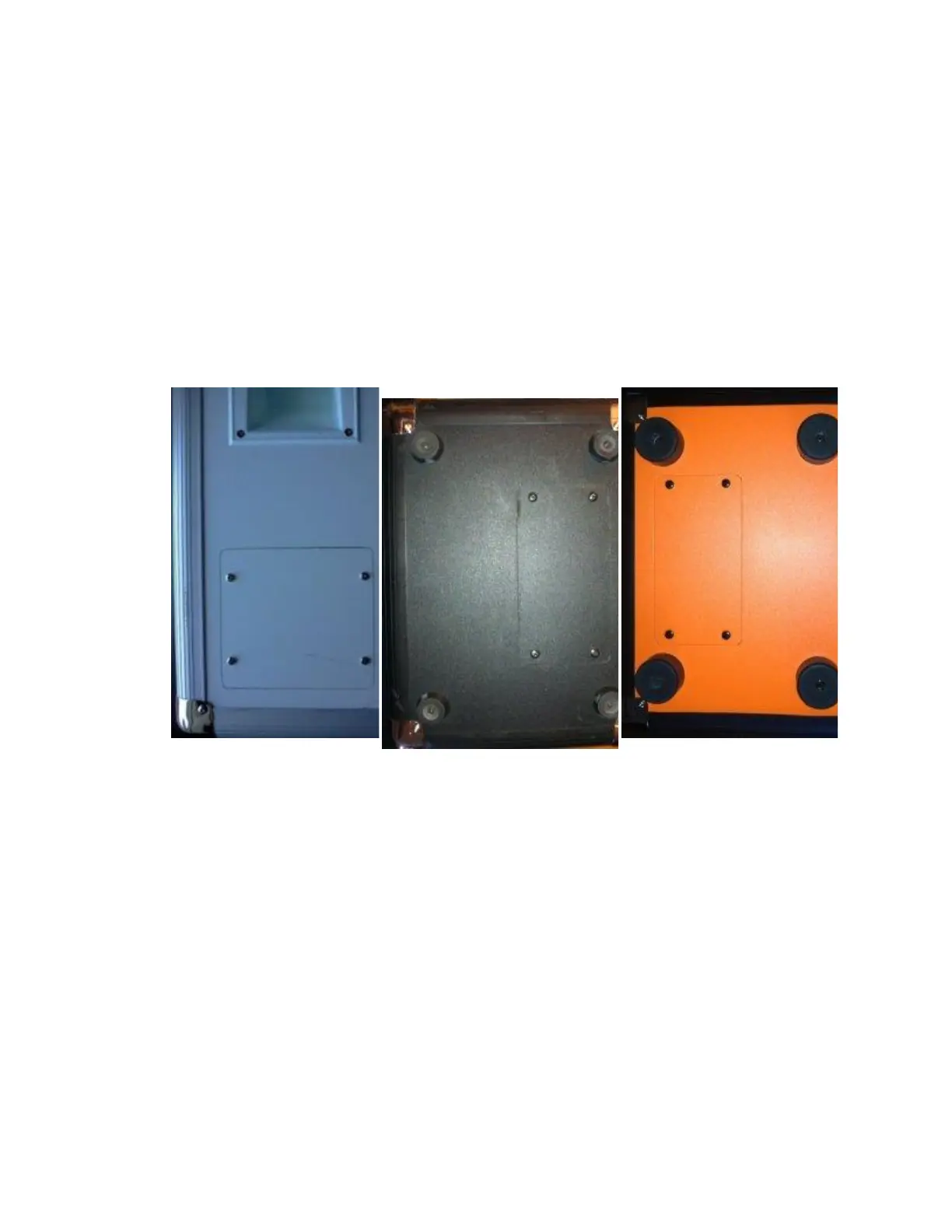
2. Next, locate the battery access panel on the side or bottom of the product. It is secured by
four Phillips-head screws.
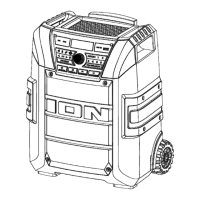
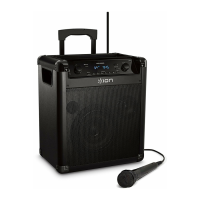
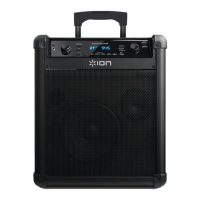
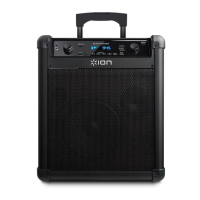
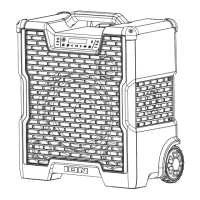
In some cases, such as the Block Party Live, the battery access is on the rear of the unit
and the handle must be removed first, as shown in the images below. To remove the
handle, simply remove the four screws that fasten it to the unit.




 To Next Page