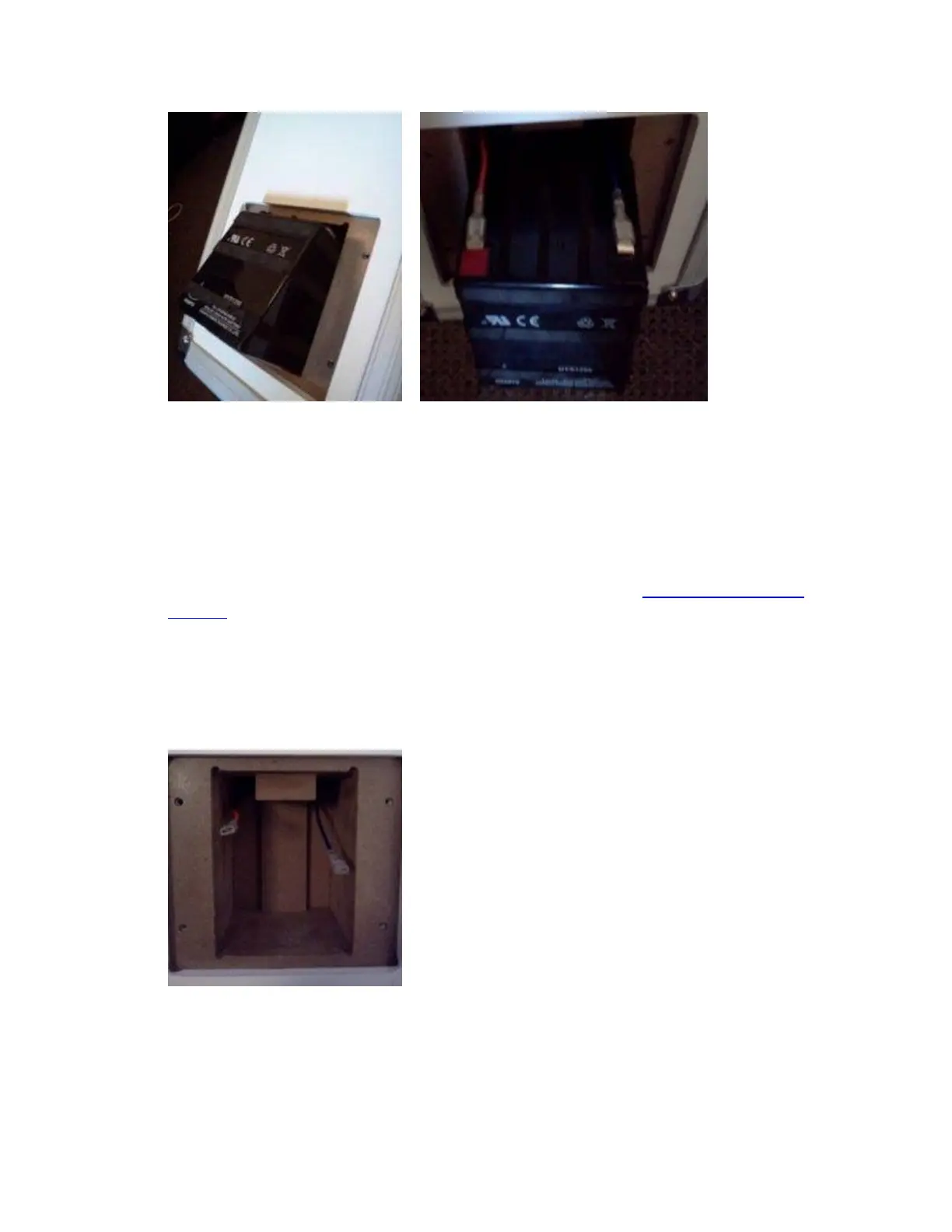
IMPORTANT: Note how the terminals on the battery are connected. The red connector
is connected to the red positive terminal. The other connector (blue or black) is
connected to the black negative terminal. The replacement battery must be connected the
same way. Failure to connect to the correct terminals could result in damage to your
product.
* Only use and approved replacement battery which meets the specifications provided by
ION Audio. For more specifics or further information, contact ION Audio Technical
Support.
5. Slide the metal connectors off each of the terminals to disconnect the battery. Remove
the battery from the product.
6. Connect and insert the new battery, close the side panel, and replace the screws. You
have now completed the process. Enjoy!






 To Next Page