OPERATING INSTRUCTIONS
POWER LEVEL
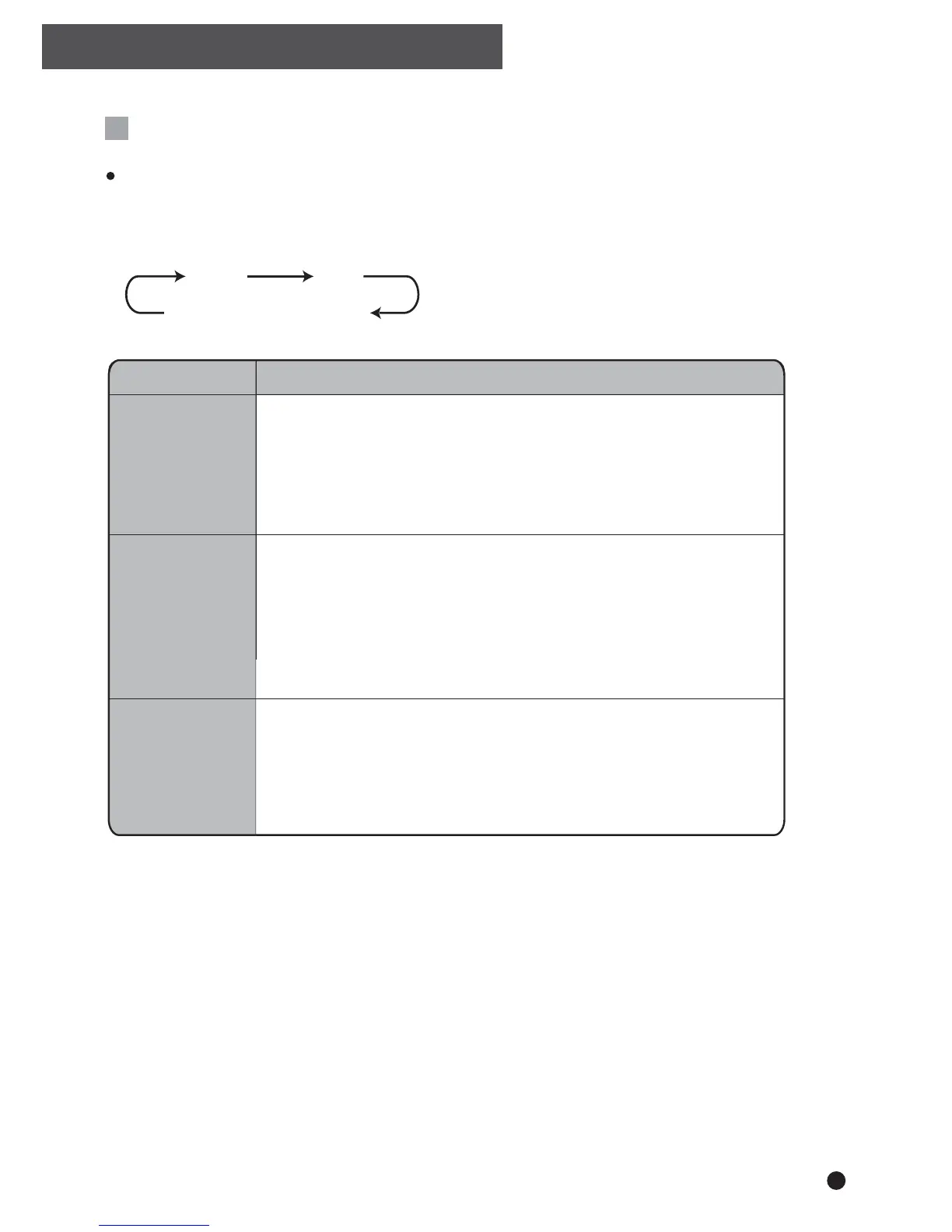
Press the "POWER LEVEL" button to select the desired power level for the
fan and heater
MODE DESCRIPTION
(BOTH LED’S LIGHT UP)
AUTO
LOW
HIGH
Auto
Low (Quiet)
High
Convenient automatic operation
• Fan and Heater settings will be automatically controlled until the
specified humidity has been reached.
• Once desired humidity has been reached, the fan will continue to
run on "Low" but the heater will turn off (except in Laundry mode).
Power saving, low noise and long term operation, suitable for
daily use
• Fan and Heater will operate on "Low" until specified humidity has
been reached.
• Once desired humidity has been reached, the fan will continue to
run on "Low" but the heater will turn off.
For rapid dehumidification
• Fan and Heater will operate on "High" until specified humidity has
been reached.
• Once desired humidity has been reached, the fan will continue to
run on "High" but the heater will turn off.
7



 To Next Page