EasyManua.ls Logo

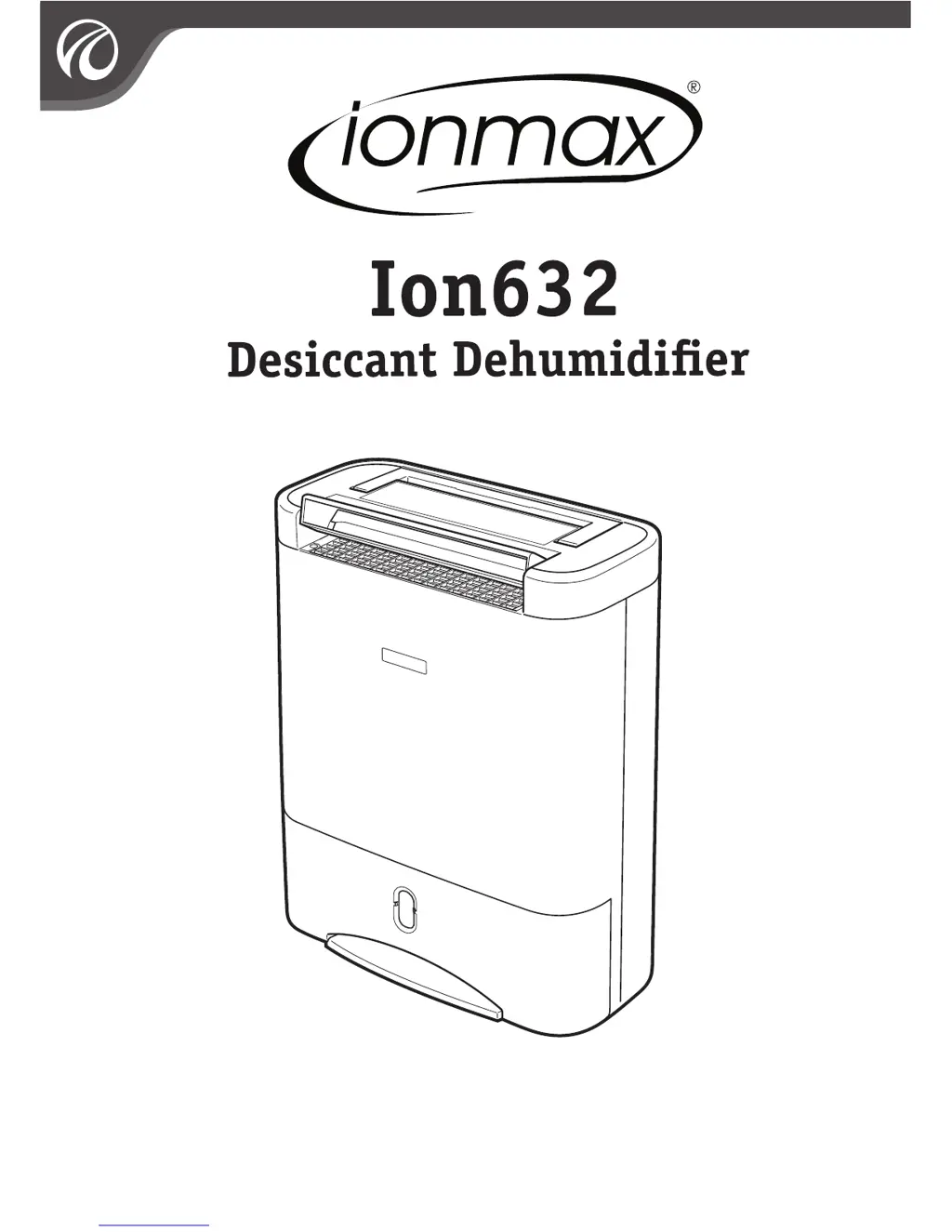
ionmax Ion632 - User Manual

ionmax Ion632
16 pages
Print Icon
To Next Page IconTo Next Page
Loading...
Users Manual
Inside you will find many helpful hints on how to use and maintain your dehumidifier properly. Just a
little preventative care on your part can save you a great deal of time and money over the life of your
dehumidifier. You’ll find many answers to common problems in the chart of troubleshooting tips.
Review the chart of Troubleshooting Tips before calling your engineers

Questions and Answers

  • M
    maria33Jul 27, 2025
    What to do if the FULL lamp lights on my ionmax Ion632?
    • M
      Melissa BradyJul 27, 2025
      If the FULL lamp is illuminated on your ionmax Dehumidifier, it indicates that the bucket is either full or not correctly positioned. To resolve this, empty the bucket, ensure the float is correctly positioned, and then replace the bucket properly.
  • M
    Marisa SchroederAug 3, 2025
    What does it mean when the CHECK lamp lights on ionmax Ion632 Dehumidifier?
    • W
      Wayne BakerAug 3, 2025
      If the CHECK lamp is illuminated on your ionmax Dehumidifier, it means that the air inlet or outlet is blocked. Ensure that nothing is obstructing the air inlet and outlet. Clean the filter. Unplug the unit and wait at least 10 minutes before resuming operation.
  • S
    Sarah RobertsAug 10, 2025
    Why is there water on the floor near my ionmax Ion632 Dehumidifier?
    • G
      Grace StewartAug 10, 2025
      If you find water on the floor near your ionmax Dehumidifier, it could be due to the unit not being level. Check that the unit is placed on a level surface and not resting on anything like a cable. Alternatively, the drainage might be clogged or loose. Inspect the drainage hose and its connection to ensure they are secure and clear.
  • J
    jay95Aug 18, 2025
    Why ionmax Dehumidifier is collecting less water?
    • X
      xdavisAug 18, 2025
      If your ionmax Dehumidifier is collecting less water than expected, it could be because the room humidity has reached the set level. This is normal. If you desire a drier environment, you can select Hi or Turbo mode. Another possibility is that the ambient temperature is too high, especially above 40ºC. Avoid using the unit in small, enclosed spaces where heat builds up. Move it to a cooler area and allow at least 10 minutes before restarting.

Summary

Important Safety Instructions

Features and Specifications

Product Description

The Control Panel

Operating Instructions

On and Off

How to turn the appliance on and off, including power failure and cool-down notes.

Dry Mode

Explains different automatic dehumidification modes: Auto, Low, and Hi.

Laundry Mode

Details modes for drying clothes: Saving and Turbo, with usage notes.

Auto Swing Louvre

How to control the direction and range of the air louvre swing.

Timer Mode

Setting the automatic shut-off timer for 2, 4, or 8 hours.

Check Alert

Explains indicator lights for malfunctions or conditions like filter cleaning.

Please Note

To Empty the Bucket

Permanent Drain Option

Unit Setup

To Operate Safely

Maintenance

Cleaning the Unit

Instructions for cleaning the exterior casing with a damp cloth and mild detergent.

Cleaning the Filter

Steps to clean the air filter using water or a vacuum cleaner.

Before Storing

Guidance on preparing the unit for storage, including cleaning and drying.

Troubleshooting

Warranty Details

The Guarantee

Details the product's warranty coverage, duration, and consumer rights.

Proof of Purchase

Specifies the need for a purchase receipt for warranty claims.

Service During Warranty

Instructions for obtaining service and return authorization numbers.

Extent of Warranty

Clarifies warranty limits to defects in workmanship or parts.

Normal Wear and Tear

States that normal wear and tear are not covered by the warranty.

Exclusions

Lists specific conditions like misuse, accidents, or external damage not covered.

ionmax Ion632 Specifications

General IconGeneral
Brandionmax
ModelIon632
CategoryDehumidifier
LanguageEnglish

Related product manuals