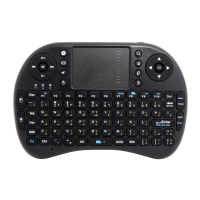
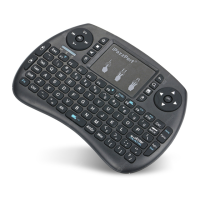
Introduction
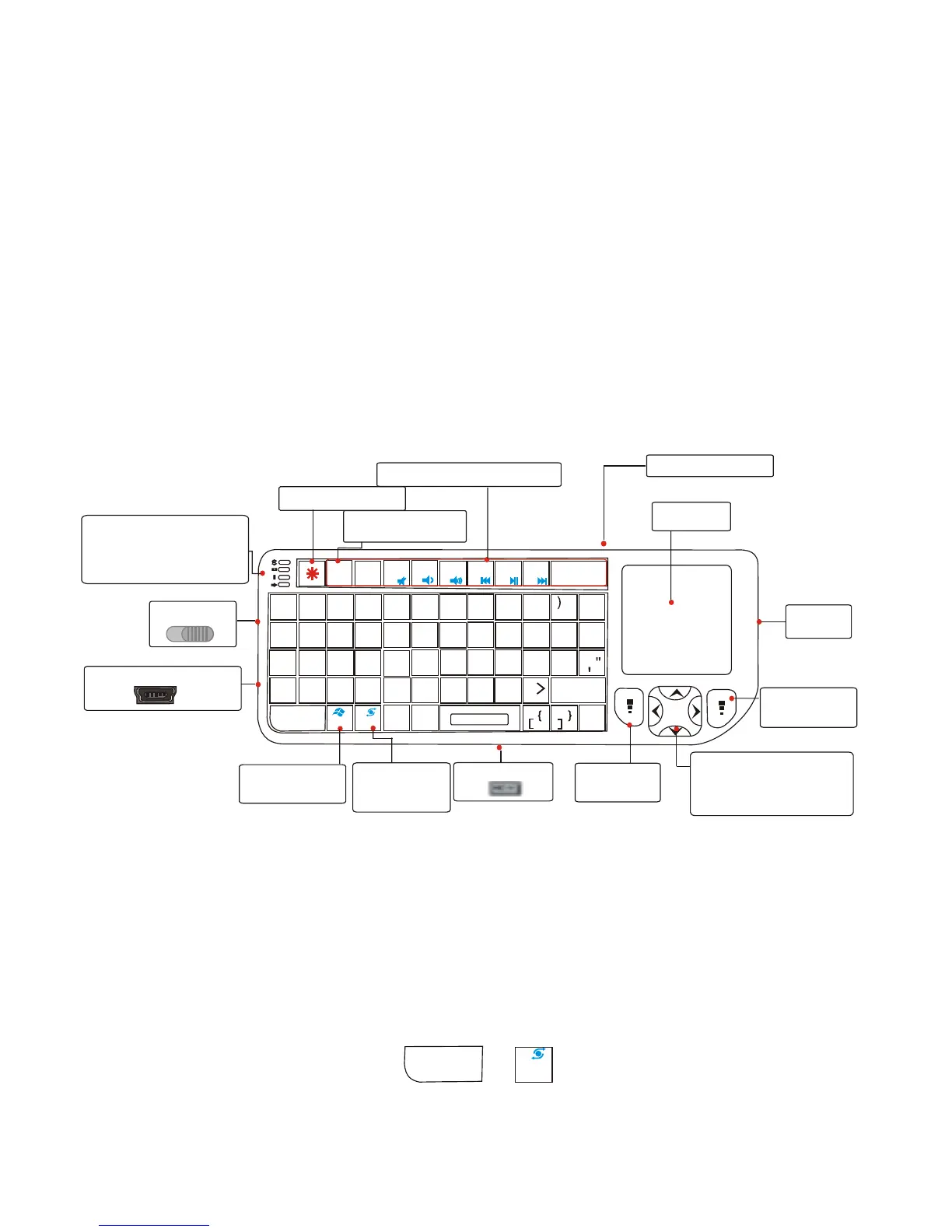
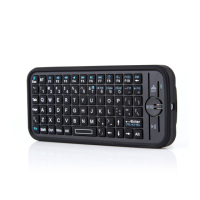
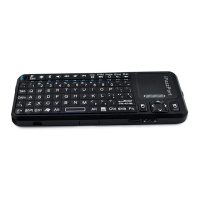
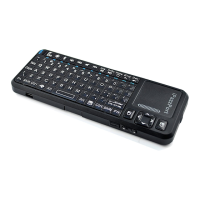
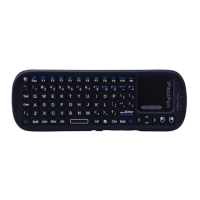
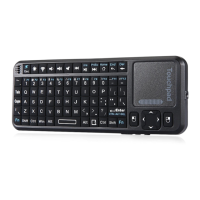
Product view
RF communication indicator
Charging Indicator
Battery capacity indicator
Caps indicator
Power Swi tch
USB Charging Port
C
D
E
R
F
G
H
J
K
L
V
B
N
M
T
Y
U
I
O
P
3
4
5
6
7
8
9
0
#
$
%
^
&
*
(
~
`
|
\\
Alt
-
-
++
==
//
??
,
<<
.
;
:
Enter
Ctrl+Alt+Del
F2
F3
F4
F5
F6
F7
F8
Pr tSc
BACK
DelDel
Esc
Tab
Cap
Shift
Z
A
Q
W
S
X
1
2
!
@
Fn
Ctrl
F1
Pu
Pd
Fn+Ctrl=
"start" short cut
Pointer switch
Fn+Alt=
Touch Pad
90-degree flip
Left mouse
button
Direction keys
Fn+Up=Page Up
Fn+Down=page Down
Right mouse
button
Laser
Pointer
Touch Pad
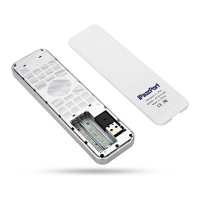
USB mini Receiver
Multimedia Control Keys
F1 to F8 keys
Backspace key
Fn
Alt
PAIR/CONNECT
Touchpad
The touchpad can be used in a
To switch between horizontal or
Horizontal or ver tical pos ition
vertical mode , hold the Fn key
RFRF


 To Next Page