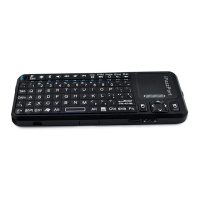
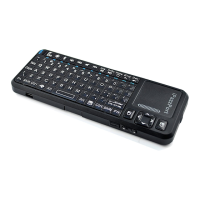
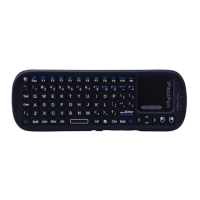
and hit the Alt key
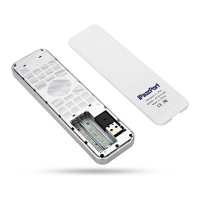
Connecting the receiver.
Slide the receiver out from the side of keyboard, an d insert to the devices with a stadard
USB interface. Once connected, slide the power switch to the "ON" position located on
the left side of the unit to establish the connection.
Enabl e the backl ight
Once the key boa rd has establ ished a con nec tion to the receiver, the bac klight key s wil l
aut omat ically turn on for 3 secon ds. The bac klight wil l turn off after 3 secon ds to preserve
bat tery life. To manual ly tur n the bac klight on, simply press the key specified abo ve in the
diagr am..
Aut o sl ee p and wake feature .
The keyboard also features an au to sleep and aut o wake mod e. If there is a long per iod of
inactivity, the keyboard wil l automa tically go inot sleep mode. During the sleep mode,
the user ca n wake the uni t up by pre ssing any key. The 2.4GHz receiver and key board's
RF indicator wi ll continue to flash and wil l not power down.
Switch off the keyb oard aft er use.
After finis h usi ng the keyboard, push the switch to the off posit ion. This tur ns off the
pow er, of the keyboard. The USB recei ver should be plugged out from the PC and then ins ert
back in the keyboard so it is being kept saf ely.

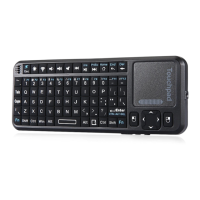

 To Next Page