Quick Start Guide / Schnellstart Anleitung / Guía de inicio rápido / Quide de Démarrage Rapide / Guida Rapida
English / Deutsch / Español / Français / Italiano
For better user experience, please keep the front and both sides of the camera
lens away from objects reflective as glass, white wall etc, so that the picture function
well without overexposure.
Make sure the camera has been placed in areas of good signal of the Wi-Fi, set it
up away from somewhere might jamming signal as metal or microwave oven.
If this is a PTZ rotation type camera, do not twist the camera to force it to rotate,
if you need to adjust the monitoring orientation, you can adjust it through the PT
function of the mobile APP.
Turn on the Camera
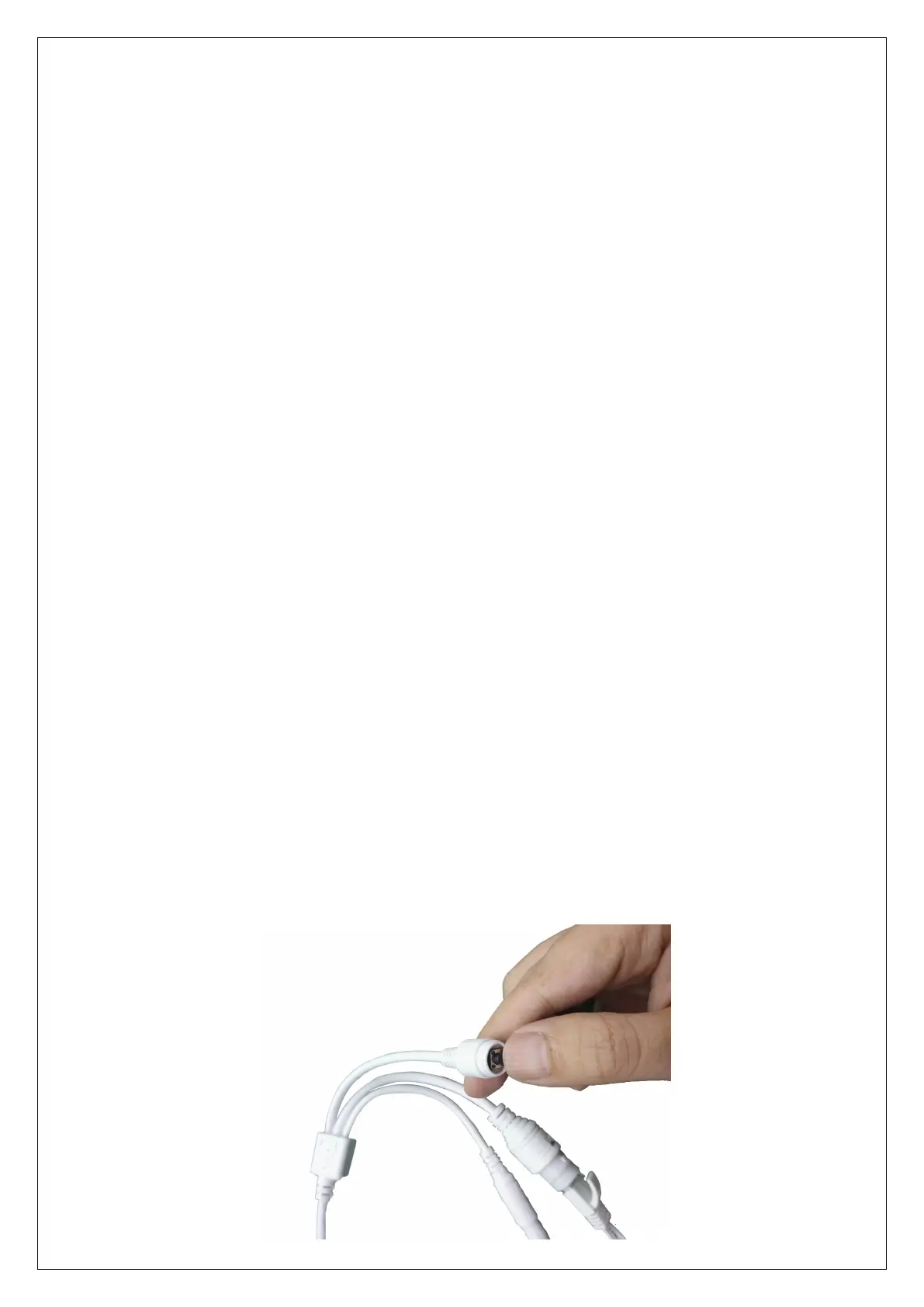
Use the correct power adapter and connect it to the power Interface of the
camera, and then wait a few minutes until the camera startup completed.
Reboot or Restore Factory Settings
Reconnect the power to reboot the camera.
Press and hold the reset button for 5 seconds, you will hear the "dong..." restart
tone, then the camera will restore to factory settings.



 To Next Page
 Loading...