Quick Start Guide / Schnellstart Anleitung / Guía de inicio rápido / Quide de Démarrage Rapide / Guida Rapida
English / Deutsch / Español / Français / Italiano
Connect the Camera and Watch on the Phone
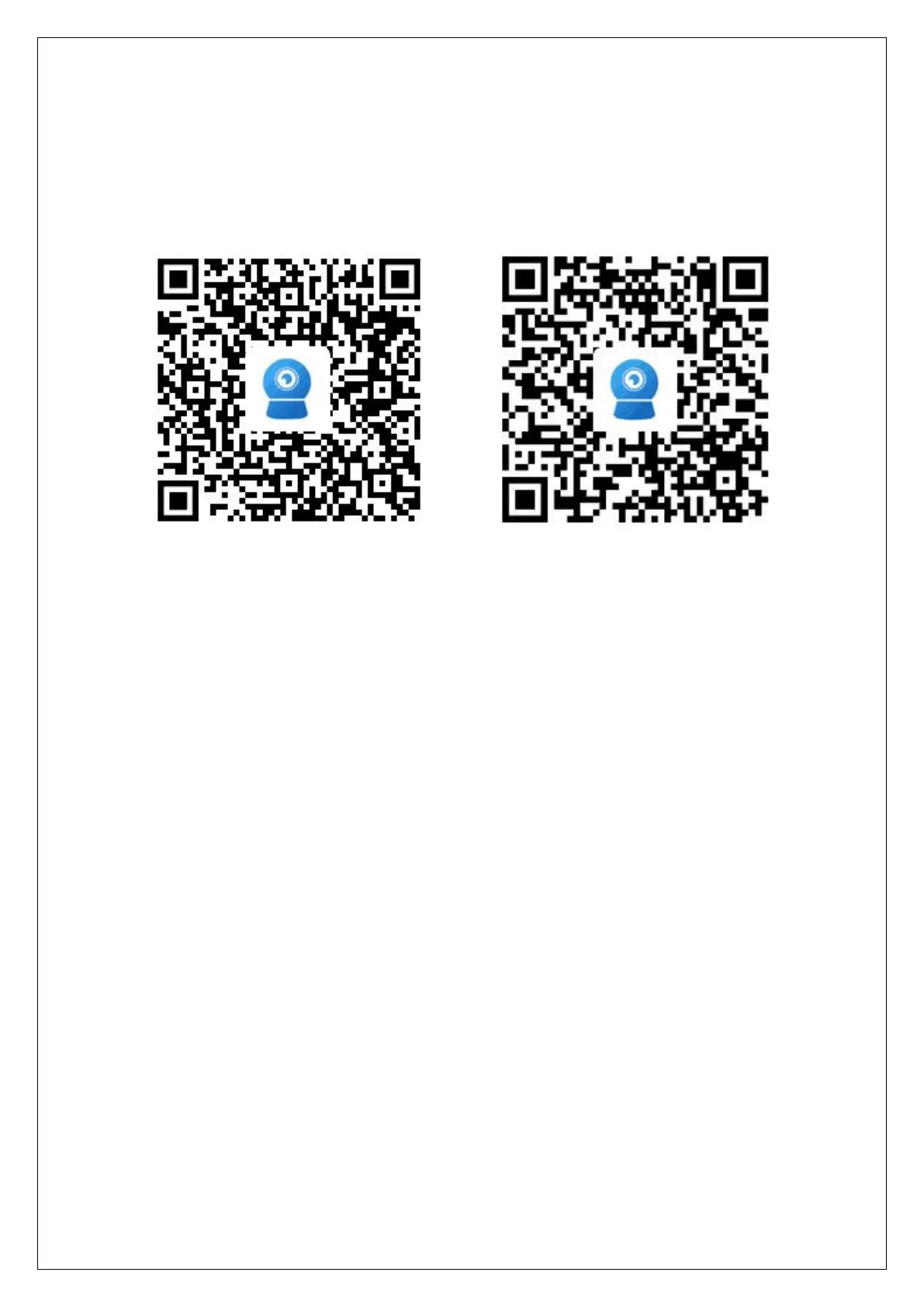
Download "CamHiPro" or "CamHi" from Google Play Store / Apple App Store or
scan the QR code below to get APP information.
Method 1: Connect with Wi-Fi
Some things you need to check first:
Please make sure that the wireless signal value of the camera installation location
is higher than 70% in the signal list of the camera, you can check it in APP later.
Connect the power to the camera(Do not connect the network cable), install or
check the antenna of camera.
Enter your phone "Settings"-"WLAN" page, you can find the camera's hot spot in
the WLAN list, if you do not find this hot spot, please reset the camera and wait 1
minute to find the hot spot, the hot spot name is "IPCAM-******"(The symbol *
represents a number, for example IPCAM-66666), the hot spot password is
"01234567", connect it as shown below Shown:


 To Next Page
 Loading...