Common troubleshooting
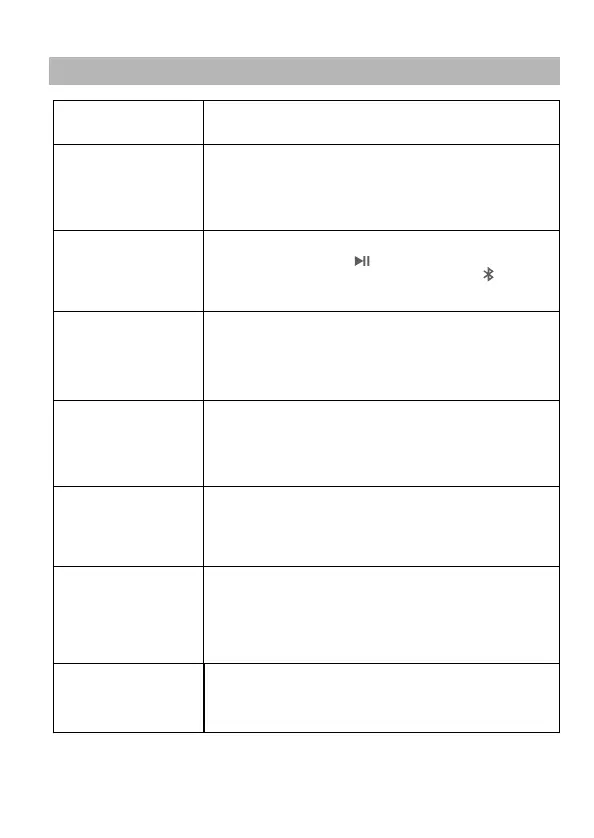
Problem/Issue
Possible causes and solutions
No Power
1. The power supply is not connected
2. The cable is disconnected or the plug is not properly inserted.
No sound
Touch not responding
Bluetooth will not connect
3. The connected socket is faulty.
If you have tried everything and still can't solve the problem, contact customer service.
Do not attempt to disassemble and repair by yourself.
6
Wireless charging
doesn't work
1. Device interference. Remove the source of interference. Power off
for 15 seconds and restart.
2. Improper operations result in device crash. Power off for 15
seconds and restart.
3. The connector is loose. Please check all connection headers and
reconnect.
4. If the device is faulty, contact the customer service for replacement.
1. If another Bluetooth connection has been made, touch and hold
the Bluetooth icon and try again.
1. Make sure your phone has wireless charging.
2. Please ensure that there is no metal foreign matter in the back shell
of the mobile phone or case.
3. Please place the mobile phone at the wireless charging position.
4. The wireless charging has the function of overheating protection.
When the internal temperature exceeds F/65℃ , it will stop working
and continue charging after the temperature drops.
seat will not recline
The connector is loose. Please check all connections and reconnect.
4. The safety switch flips. After pressing the safety switch, start again.
2. Enter the pause mode. Press to continue.
4. The product is in headset mode, disconnect the headset.
1. The volume may be set to the minimum setting. Turn up the volume
and try again.
3. The audio source does not match the playing mode. Press to switch to
the corresponding mode.
2. The current mode is not Bluetooth. Press to switch to Bluetooth
mode and then connect.
USB mode does not work
1. Make sure the USB storage has audio files
2. Make sure that the USB memory is normal and properly connected.
3. Make sure that the music file is playable.
4. Make sure that the product is in USB playback mode.
3.Out of range. Please do not connect more than 8 meter away from
the product. Do not attempt to connect through obstacles.


 To Next Page
 Loading...