On iPad: Using the IPEVO Whiteboard App to access Data Sharing
1. Connect to WS-01 (follow the steps on Page 9) and launch the IPEVO Whiteboard App.
2. Select WS-01 under Wireless Stations (follow the steps on Page 10).
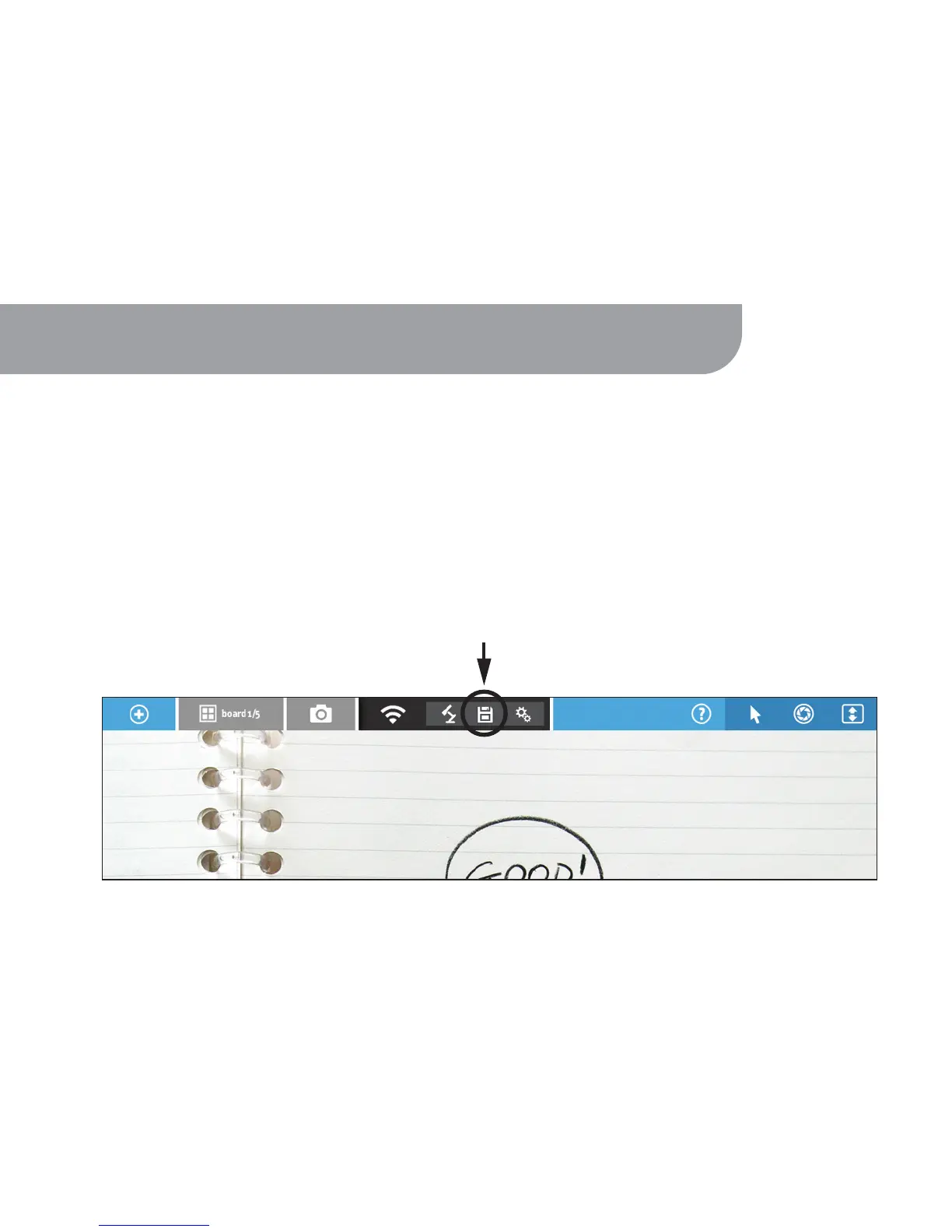
3. On the extended menu bar, tap the Disk icon to access files stored on WS-01.
WS-01's SD Card slot and USB port allows you to insert SD cards or USB drives with
curriculum to view and share via your browser or the IPEVO Whiteboard App. Additionally,
files edited using Whiteboard can be saved to an installed SD card.
8. Using WS-01 for Data Sharing
15



 To Next Page