On Mac or PC: Using your Browser to access Data Sharing
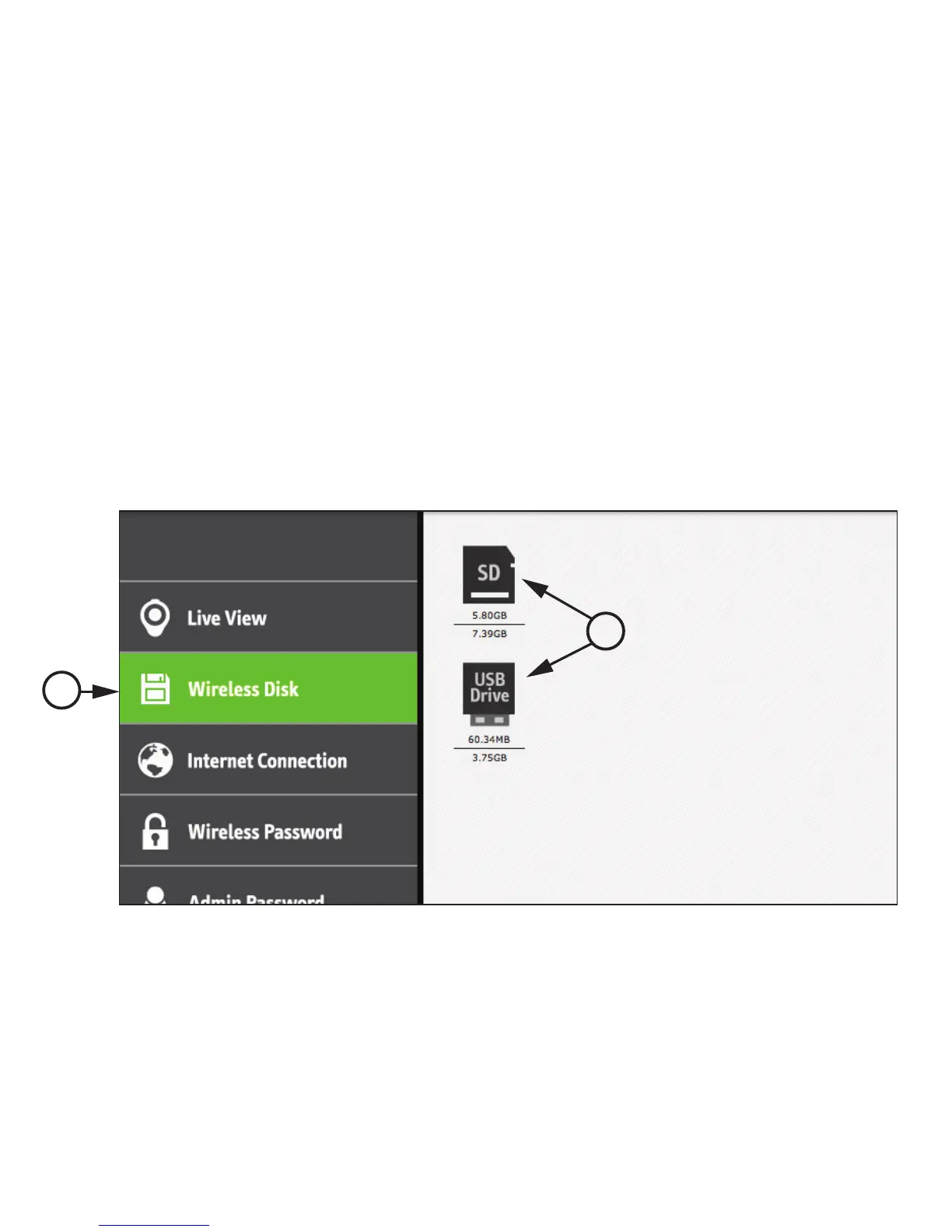
1. Click "Wireless Disk" on the Settings Page to access and manage the SD Card’s or USB Drive's data.
(See Page 12 for accessing the Settings Page.)
2. Click on the SD Card or USB Drive image.
File names, sizes, and last modified dates will be shown.
1
2
16



 To Next Page