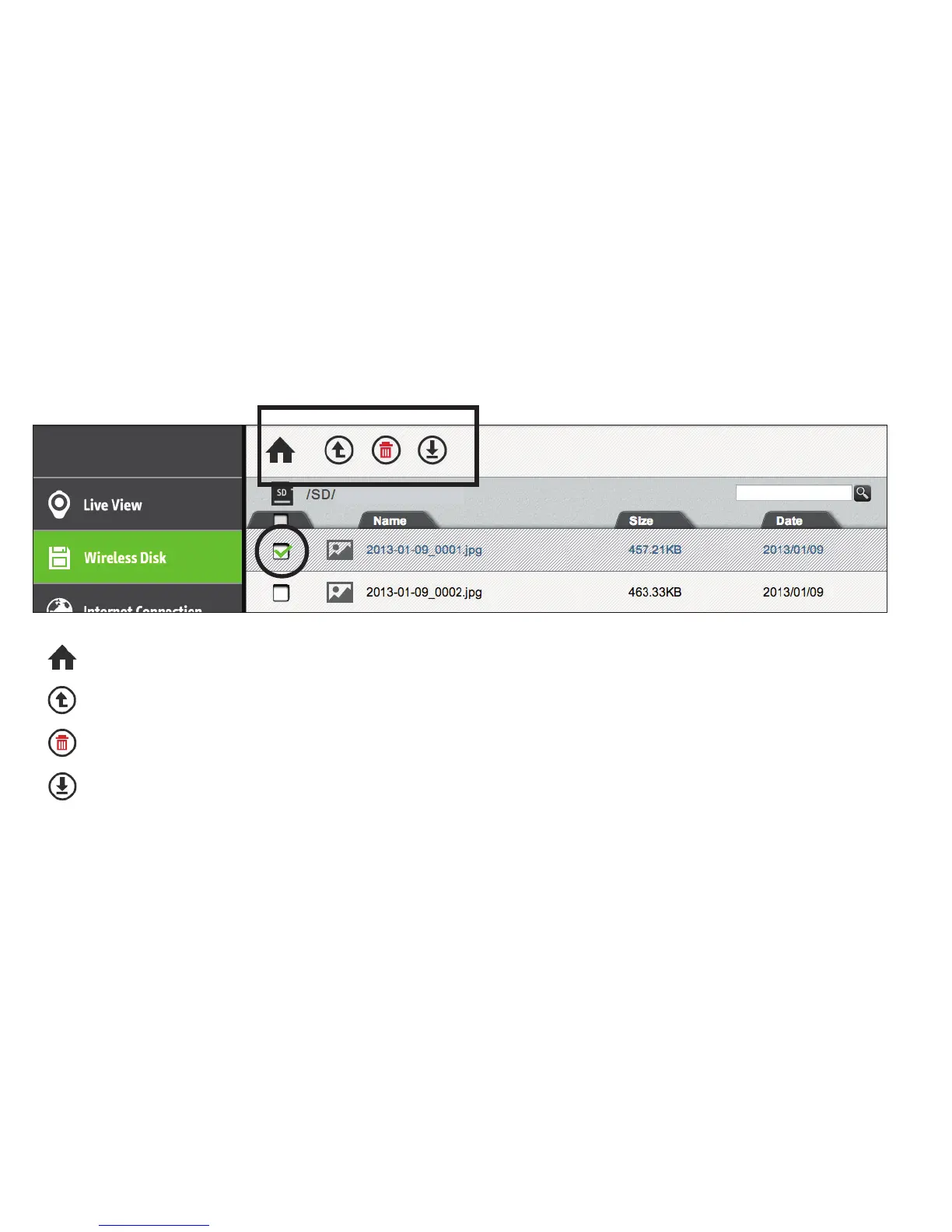
3. Use the four icons above the file list to manage the data:
Home: Return to the root directory
Up: Go up one level to the parent directory
Delete: Checkmarked files will be deleted
Download: Download checkmarked files. This function is disabled when using iPad
Note: for Delete and Download functions, click the white check boxes to the left of file names to mark files accordingly.
Network 2
17



 To Next Page