Preferred Symbology
symbologies in situations where both barcode symbologies appear on the same label, but
the lower priority symbology cannot be disabled. For example, you may be using the scan -
ner in a retail setting to read U.P.C. symbols, but have occasional need to read a code on a
drivers license. Since some licenses have a Code 39 symbol as well as the PDF417 sym -
bol, you can use Preferred Symbology to specify that the PDF417 symbol be read instead
-
-
nores it for a set period of time while it searches for the high priority symbology. If a high
priority symbology is located during this period, then that data is read immediately. If the
time-out period expires before a high priority symbology is read, the scanner will read any
view after the time-out period expires, then no data is reported.
Note: A low priority symbol must be centered on the aiming pattern to be read.
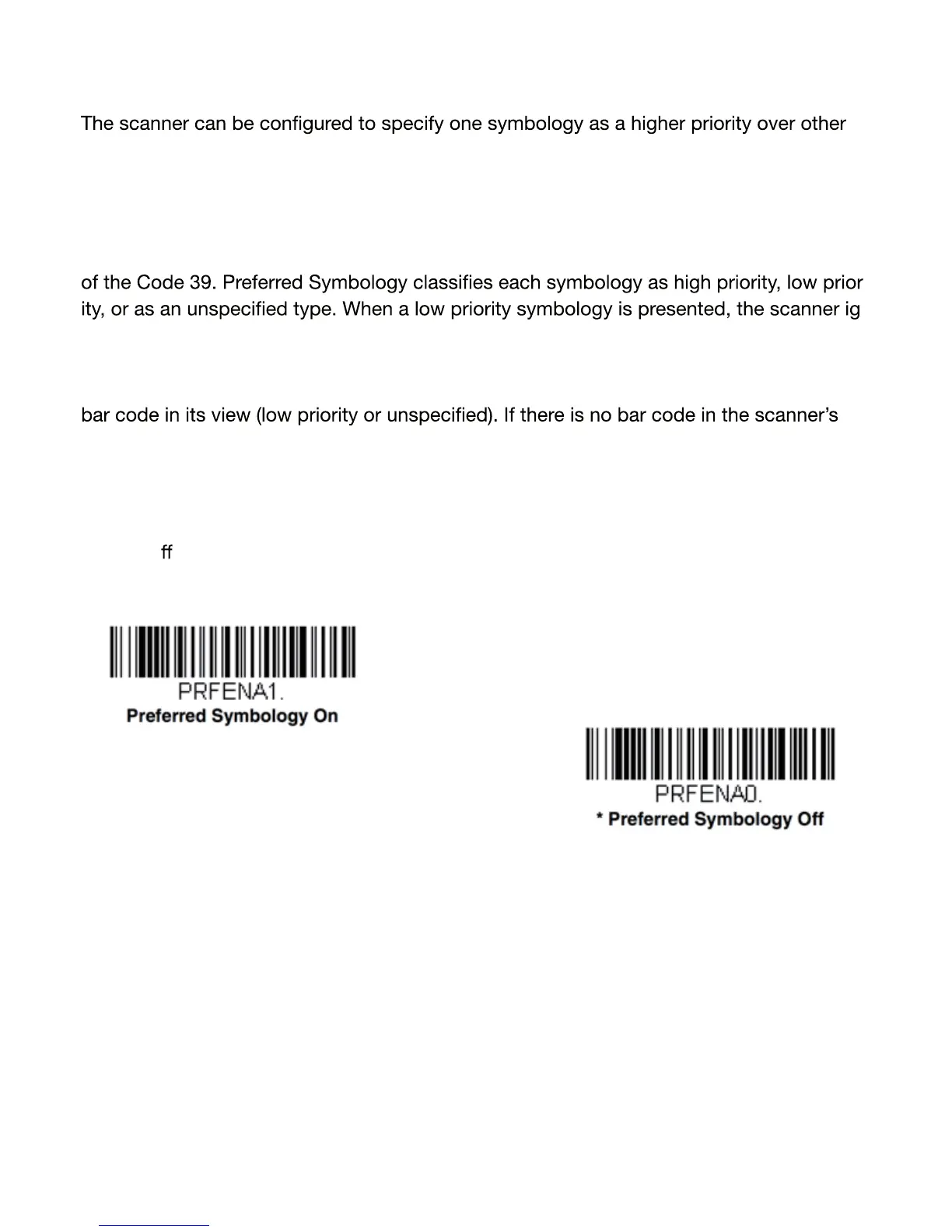
Scan a barcode
below to enable or disable Preferred Symbology. Default = Preferred Sym
bology O .
20


 To Next Page
 Loading...