High Priority Symbology
T
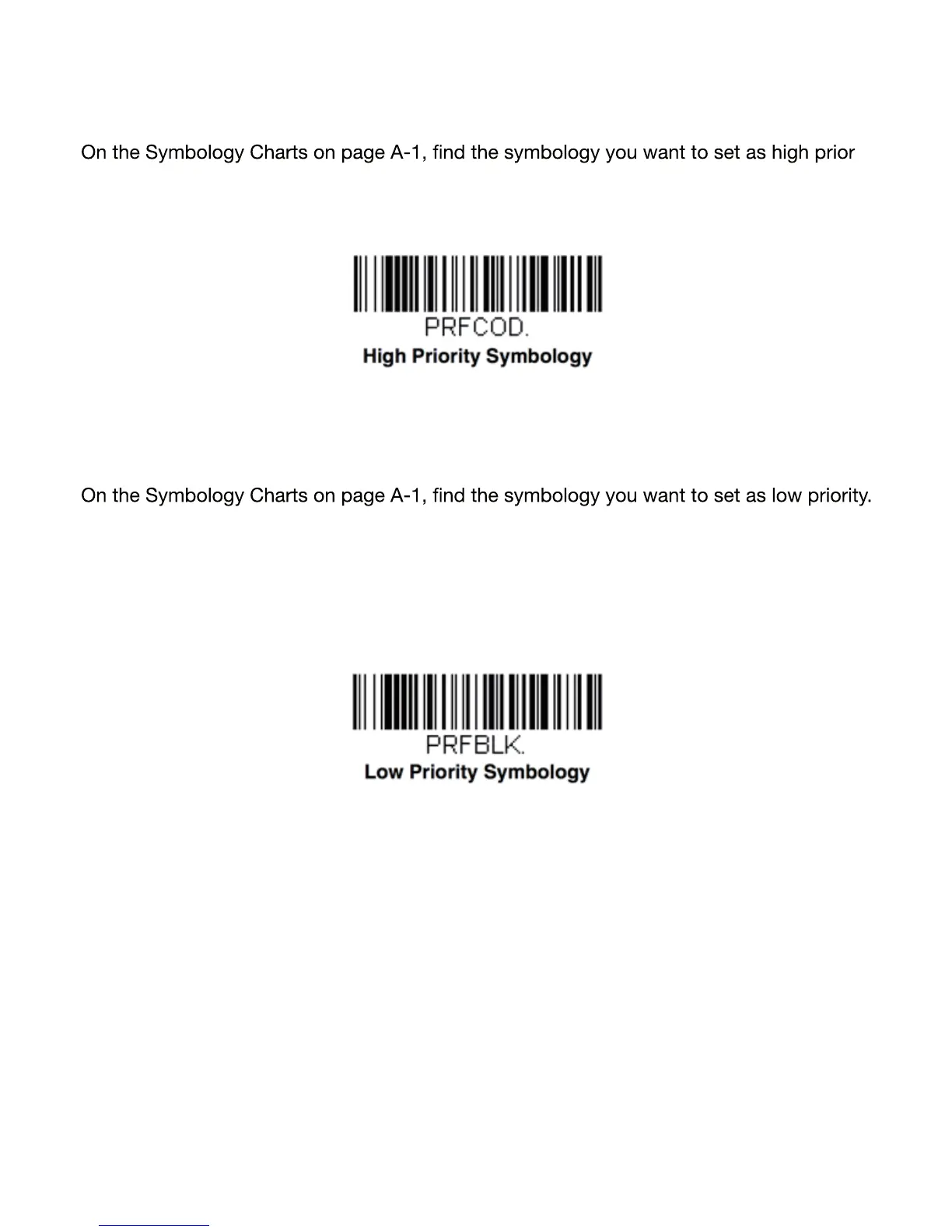
o specify the high priority symbology, scan the High Priority Symbology barcode below.
-
ity. Locate the Hex value for that symbology and scan the 2 digit hex value from the Pro -
gramming Chart (inside back cover). Scan Save to save your selection. Default = None
Low Priority Symbology
To specify the low priority symbology, scan the Low Priority Symbology barcode below.
Locate the Hex value for that symbology and scan the 2 digit hex value from the Program -
ming Chart (inside back cover). If you want to set additional low priority symbologies, scan
FF, then scan the 2 digit hex value from the Programming Chart for the next symbology.
You can program up to 5 low priority symbologies. Scan Save to save your selection. De -
fault = None
21


 To Next Page
 Loading...