Preferred Symbology Time-out
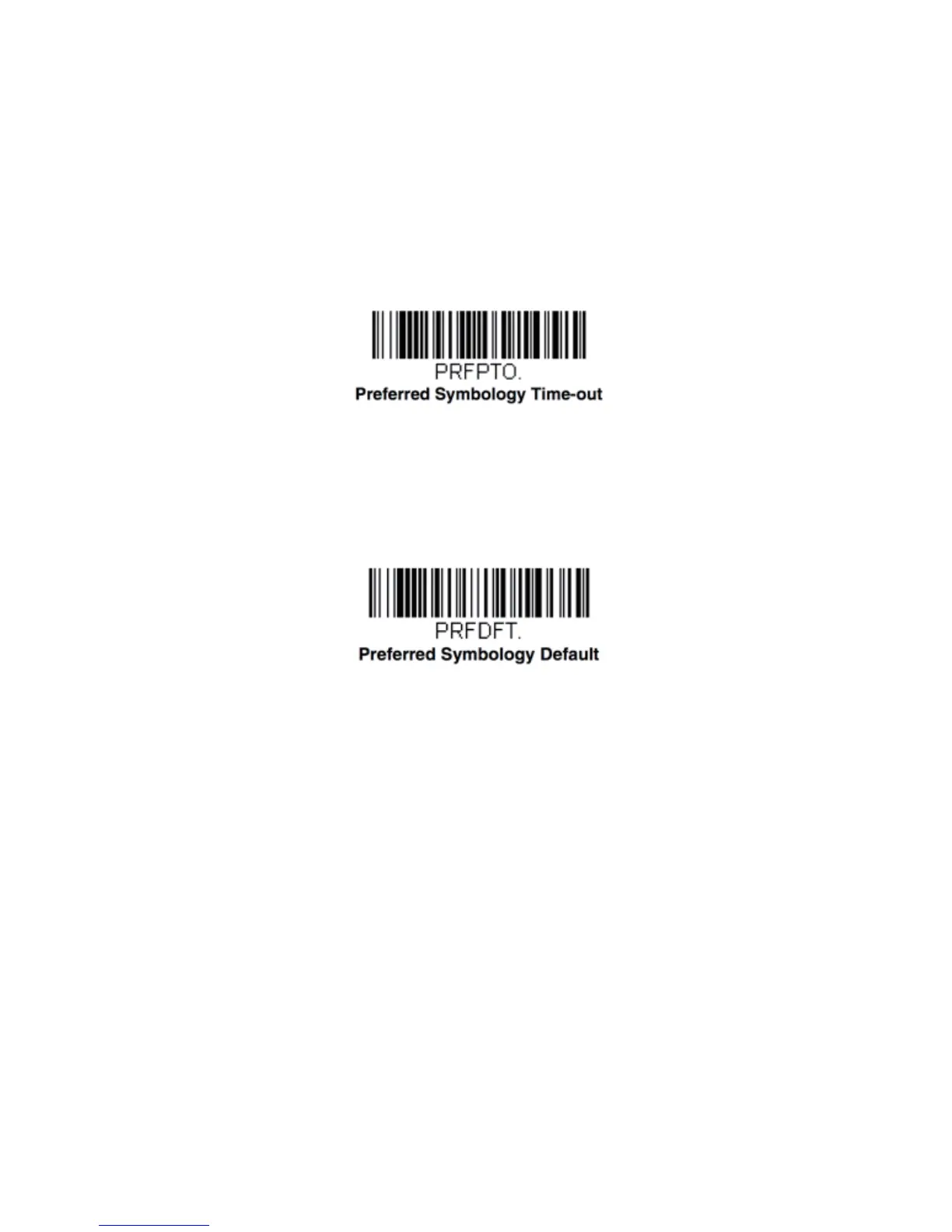
Once you have enabled Preferred Symbology and entered the high and low priority symbo -
logies, you must set the time-out period. This is the period of time the scanner will search
for a high priority barcode after a low priority bar * Preferred Symbology Off Preferred
Symbology On High Priority Symbology Low Priority Symbology 2 - 6 code has been en -
countered. Scan the barcode below, then set the delay (from 1-3,000 milliseconds) by
scanning digits from the inside back cover, then scanning Save. Default = 500 ms.
Preferred Symbology Default
Scan the barcode below to set all Preferred Symbology entries to their default values.
22


 To Next Page
 Loading...