Presentation Mode
Presentation Mode uses ambient light to detect barcodes. The LED dims until a barcode
is presented to the scanner, then the LED brightens to read the code. If the light level in
the room is not high enough, Presentation Mode may not work properly. Scan the follow
-ing barcode to program your scanner for Presentation Mode.
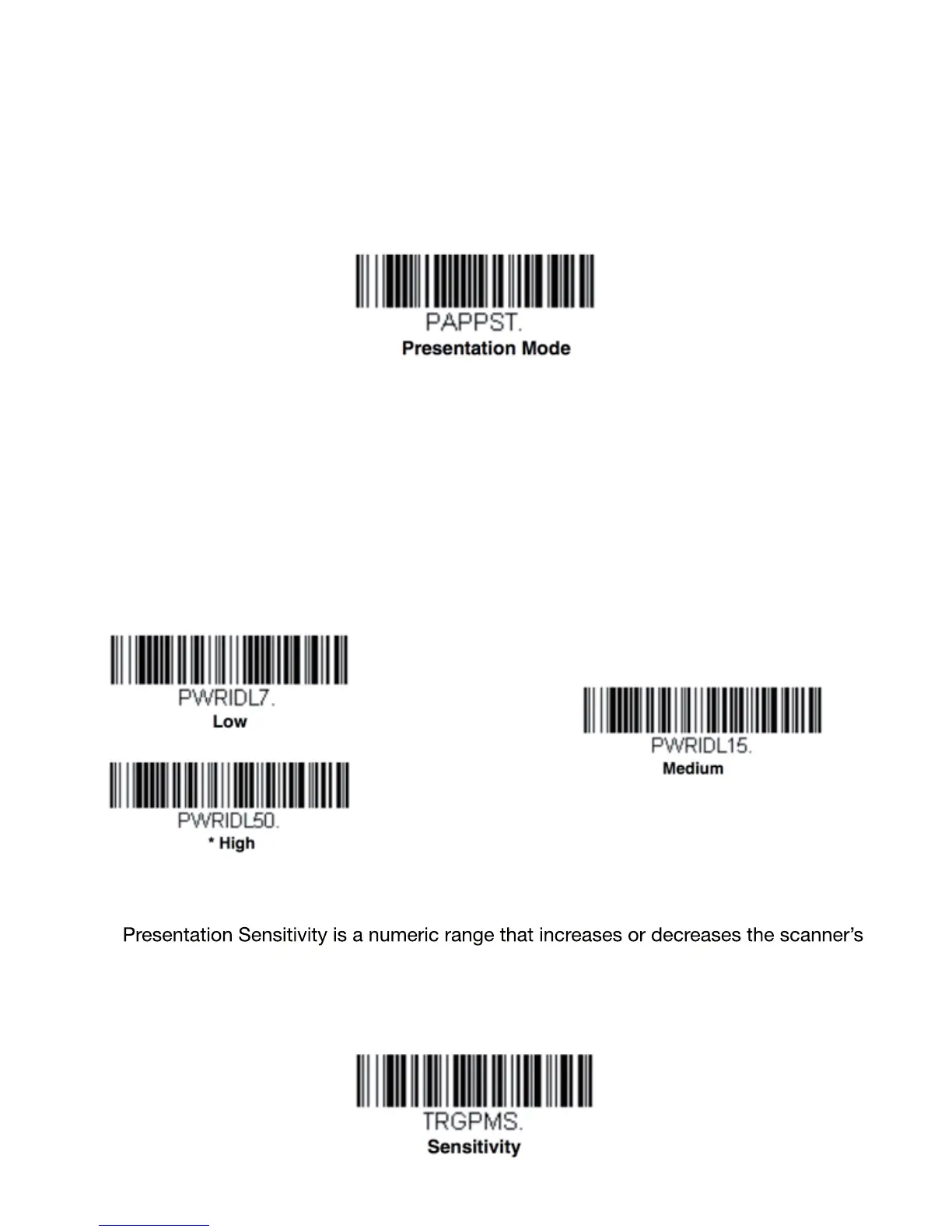
Illumination - Presentation Mode
Scan one of the barcodes below to set the LED illumination for the scanner when it is
in an idle state in Presentation Mode. Default = High.
Note: If you use one of the lower Idle Illumination settings, and there is not enough ambient light,
the scanner may have difficulty detecting when a barcode is presented to it. If the scanner
has difficulty waking up to read barcodes, you may need to set the Idle Illumination to a brighter
setting.
Presentation Sensitivity
reaction time to barcode presentation. To set the sensitivity, scan the Sensitivity
barcode, then scan the degree of sensitivity (from 0-20) from the inside back cover,
and Save. 0 is the most sensitive setting, and 20 is the least sensitive. Default = 1.
28


 To Next Page
 Loading...