3
screen will show the icon.
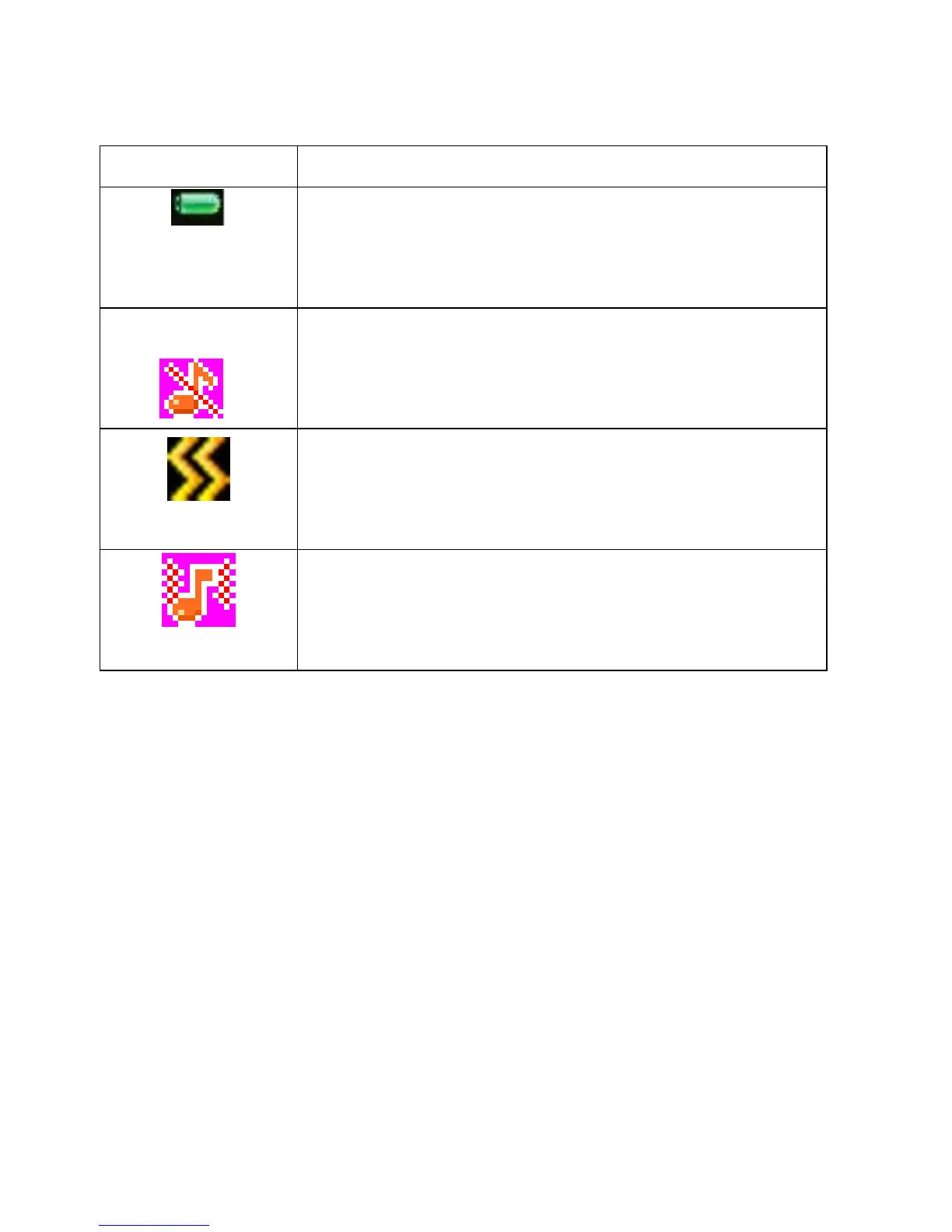
Battery strength
The full the fill is, the more electric quantity is.
Standby screen will show the icon.
Silent mode
When scene mode is set as mute mode, standby
screen will show the icon.
Meeting mode
When scene mode is set as Vibration mode
, standby screen will show the icon.
Outdoor mode
When scene mode is set as outdoor mode, standby
screen will show the icon.
2.2 Install SIM Card and Memory Card
2.2.1 SIM Card
Before using the phone, you must insert valid SIM
(Subscriber Identity Module) card in the phone. SIM card 1s
provided by network supplier.
All the information related to network connection are



 To Next Page