User’s Guide
www.zioncom.net
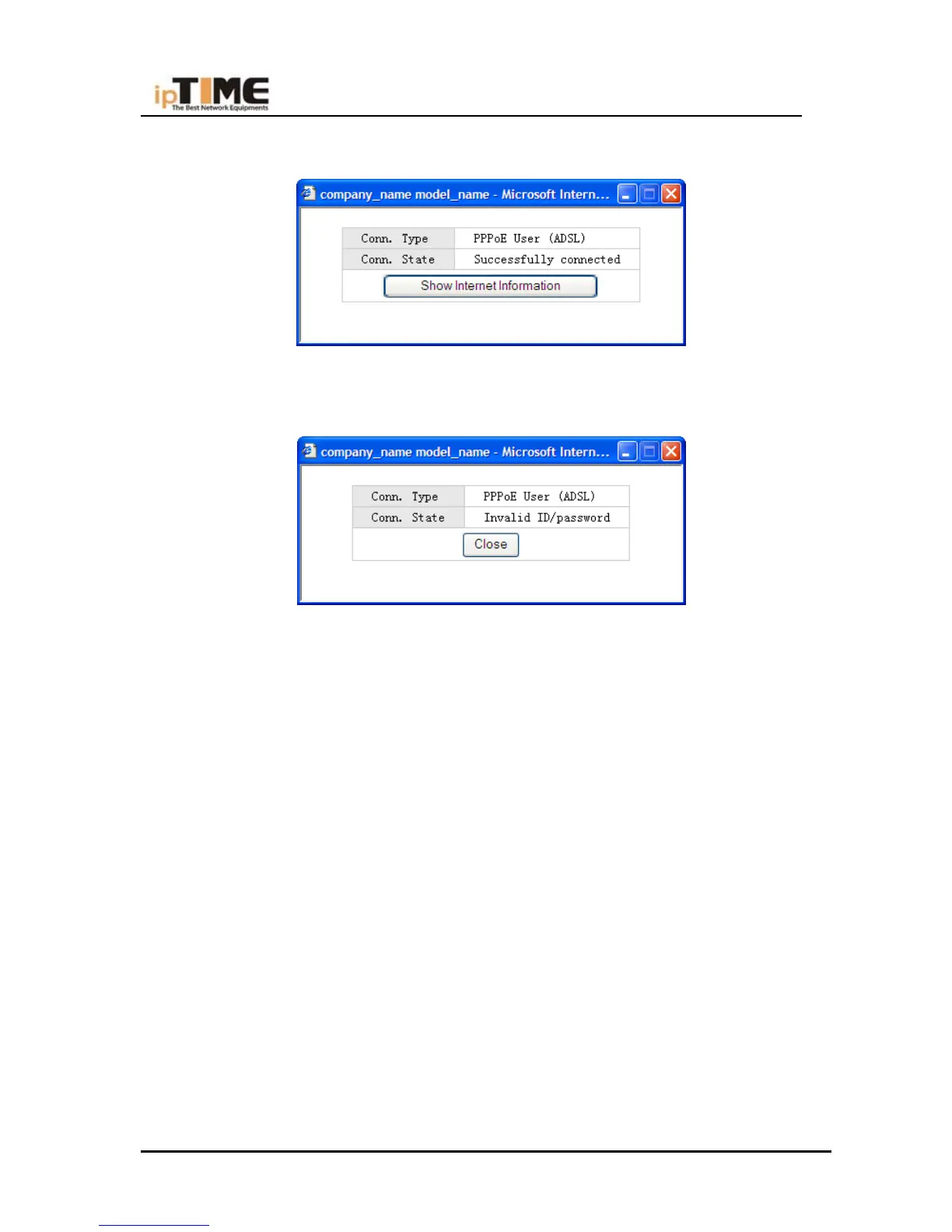
The router will try to connect itself
If “Conn. State” is “Successfully connected”, the configuration is correct.
In case “Conn. Status” is “Invalid ID/password”, the configuration is incorrect.
Click the “close” button and check your ID& password
.
If “Conn. Status” keeps unchanged, check whether your service type is correct.
Other Configuration:
Keep all other parameters with their default value. Consult the user’s manual on the CD for
more information
Other types of connection:
For Cable modem, IP ADSL or static IP connection, please refer to the manual
Internet Wizard
You can also use the Internet Wizard to establish an internet connection.
-6-



 To Next Page