Quick Tips
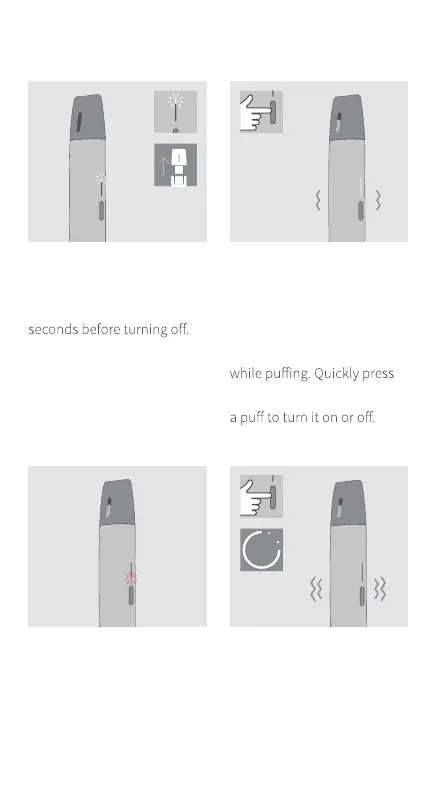
TO TURN ON & OFF
RESPONSIVE DRAW
The responsive enhances
the sensorial experience
through a subtle vibration
on the button while taking
ERROR NOTIFICATION
IQOS VEEV will show a
red light blinking for a few
seconds. Try to change the
VEEV pod. If this happens
again, perform a reset.
TO RESET - Press the button
for approximately 10 seconds
and release. A few vibrations
and blinkings of the lights
will confirm the reset of your
IQOS VEEV.
LOW LIQUID DETECTION
IQOS VEEV will show the upper
white light blinking for a few
This is designed to prevent
overheating and burnt taste.
Replace the VEEV pod when
this happens.
10
″


 To Previous Page